![NEW_PlanHub_Logo_Navy.png]](https://knowledgebase.planhub.com/hs-fs/hubfs/Design/PH%20Logos/NEW%202024%20PH%20Logos/NEW_PlanHub_Logo_Navy.png?height=40&name=NEW_PlanHub_Logo_Navy.png)
Takeoffs for low voltage trades, like telecommunications cabling and drops, become straightforward with the count tool. This tutorial guides you through counting data drops on a plan and measuring cabling distances.
Get started with combination telephone/data drops:
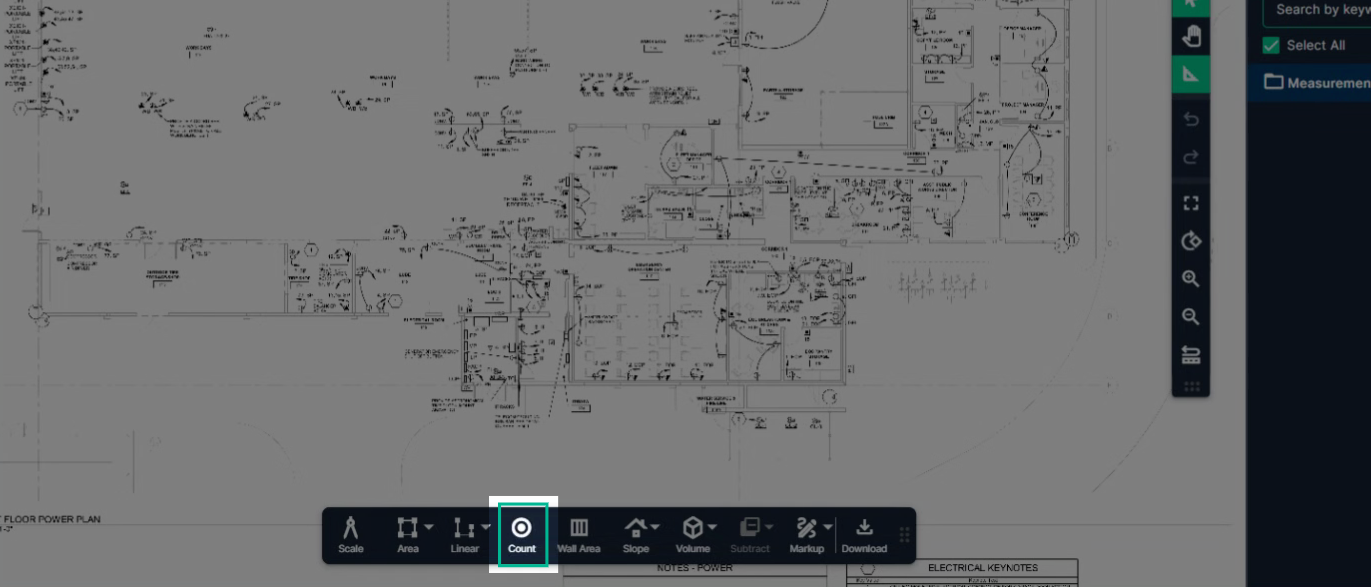
Step 1: Open your plan set. Select the Count tool.
Step 2: Provide a name for the objects you're counting. Select a color and a symbol. The Symbol gets stamped on the page to note when an item has been counted.
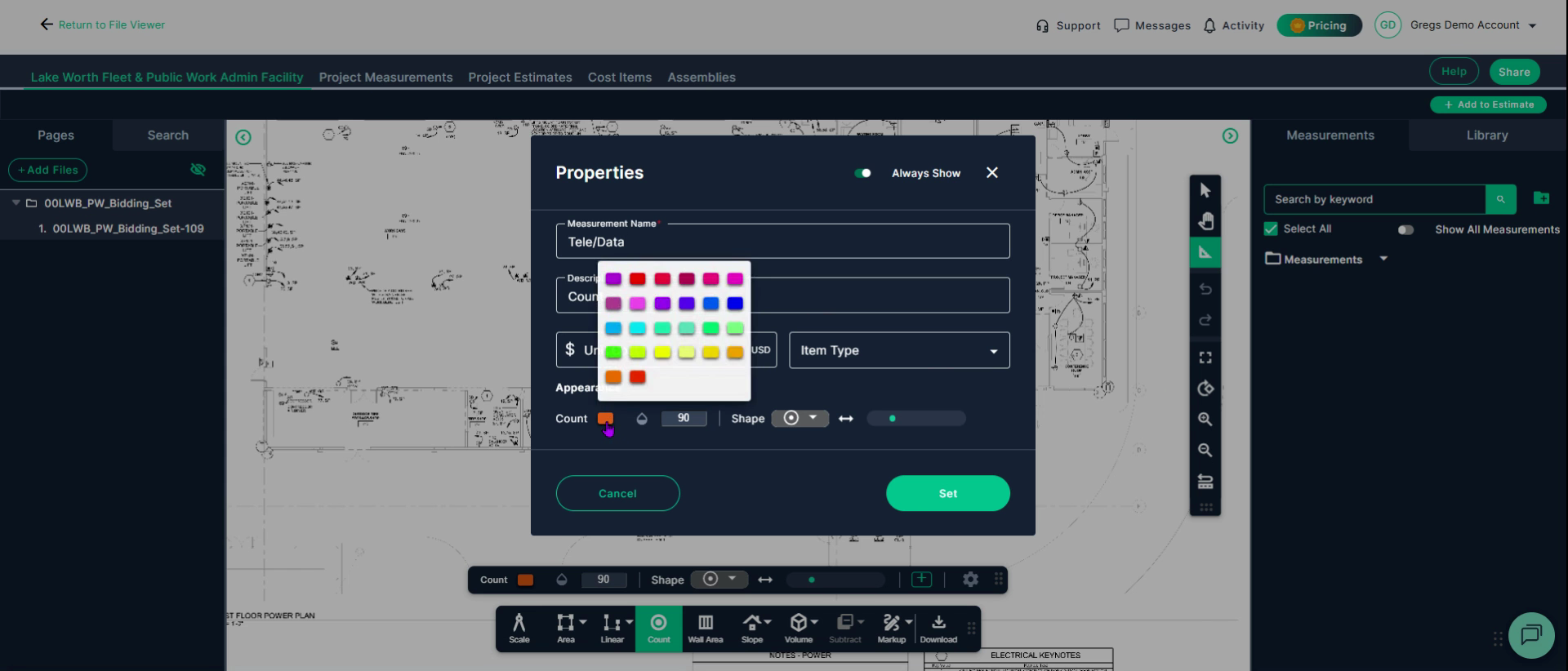
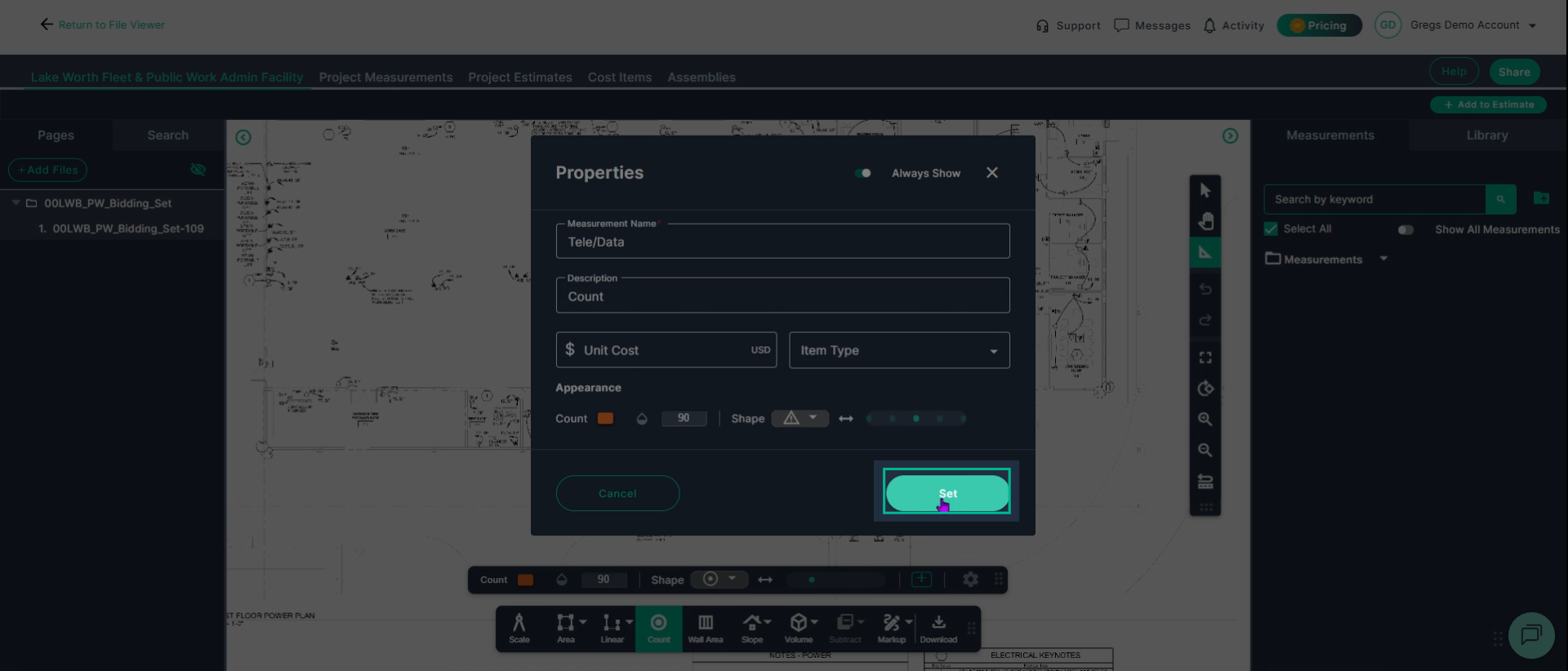
Click set to begin marking items on the page.
Step 3: Right-click and drag to move around your plan, and use the scroll wheel to zoom.
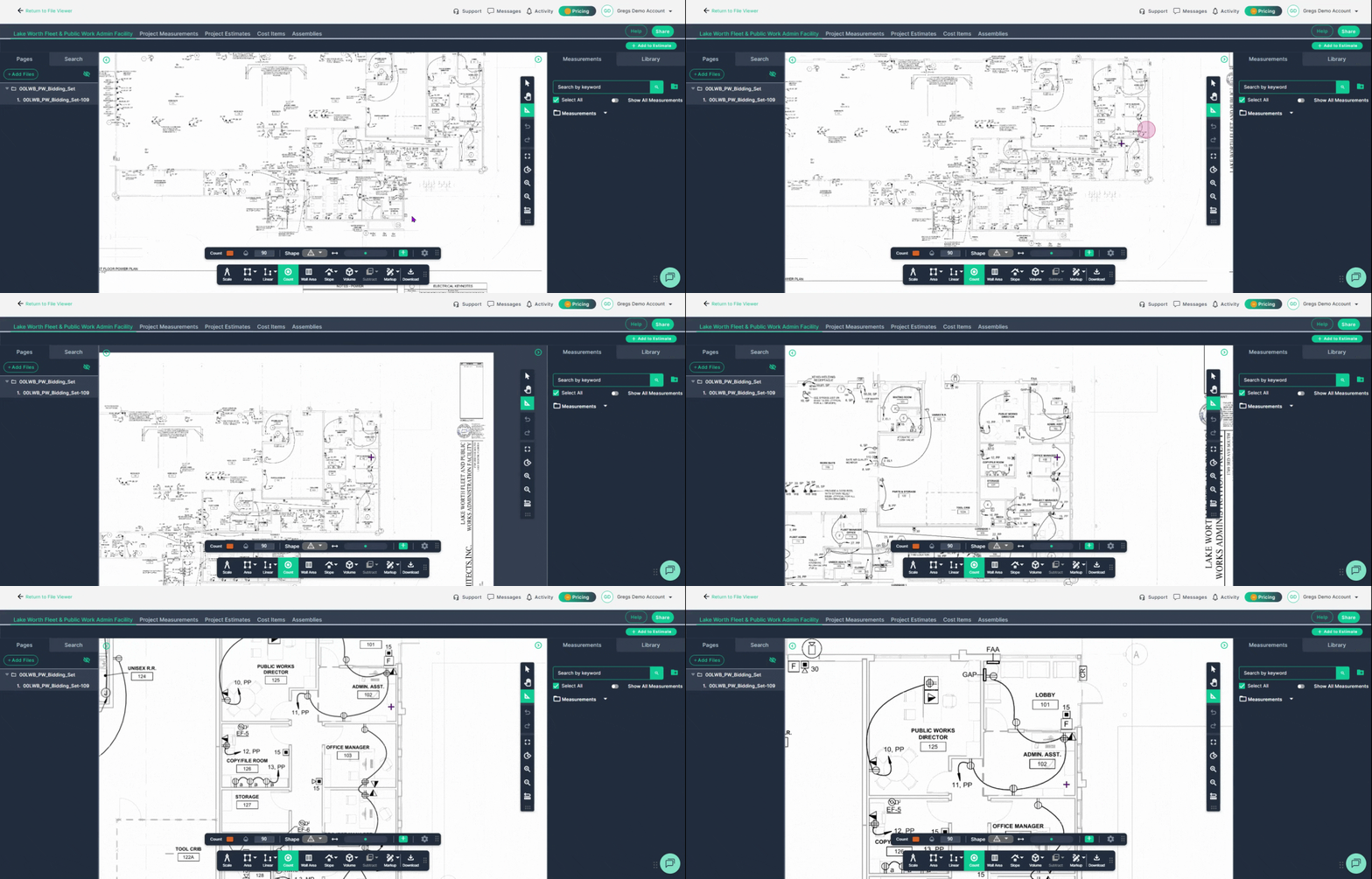
Step 4: Each spot you see a data drop, left click the mouse button to place your chosen symbol in the color you chose.
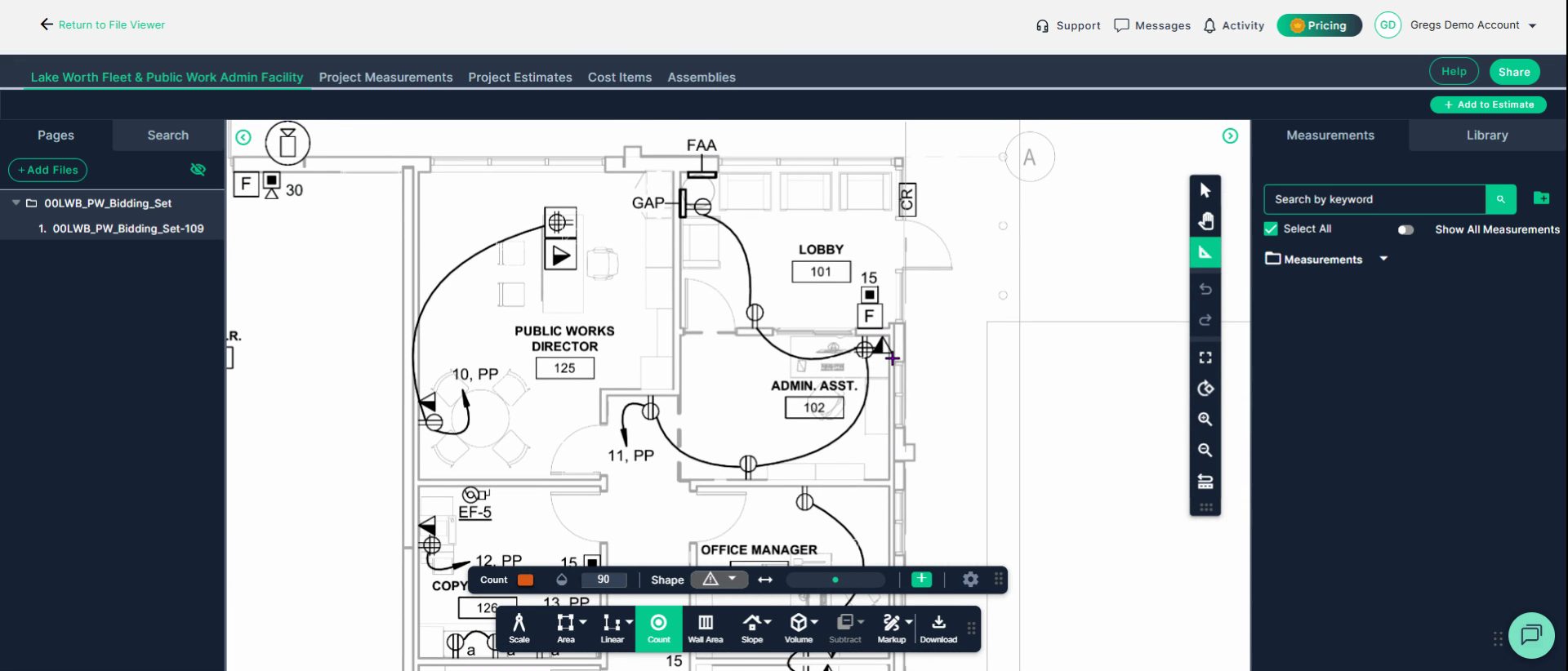
When you have different types of drops to count, set up a new tool for each. For instance, to count straight data drops. Repeat the procedure above for the new item:
Step 5: Turn off the current counting tool. Click Count again. Name the measurement, select a color and symbol then click set to mark the new objects.
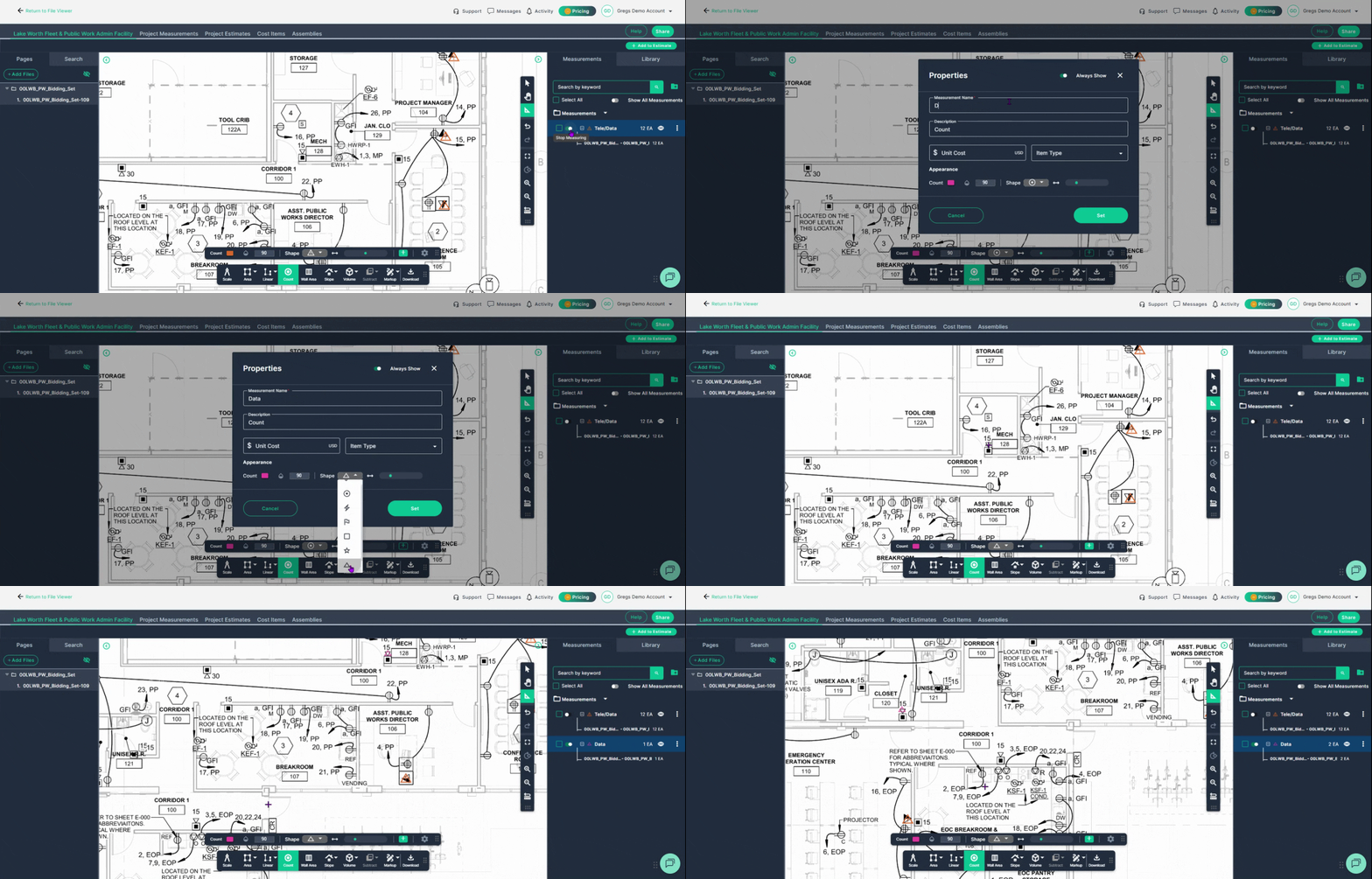
Finish counting by toggling the count off.
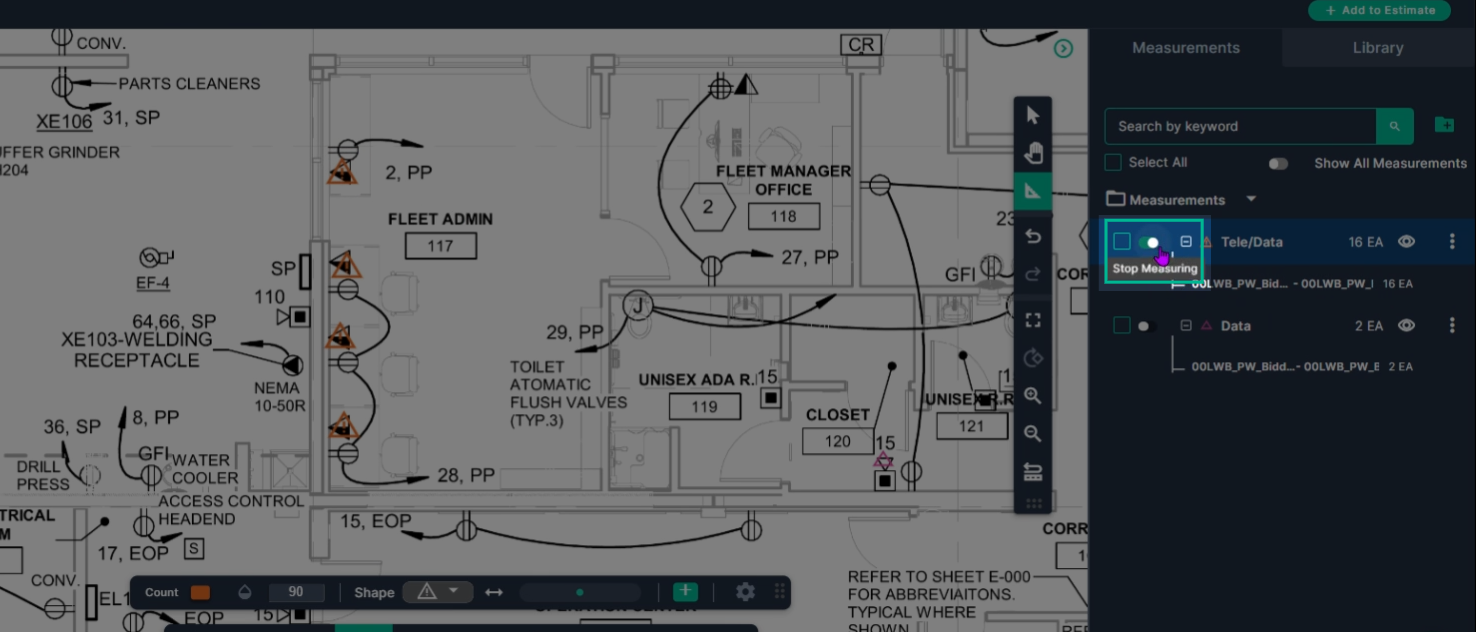
Ready to measure cabling?
Step 1: If providing cabling, switch to the Linear Line Measurement tool to measure cable runs or trays.
Click Linear, then Line. Name the measurement, select a color, and click set to begin.
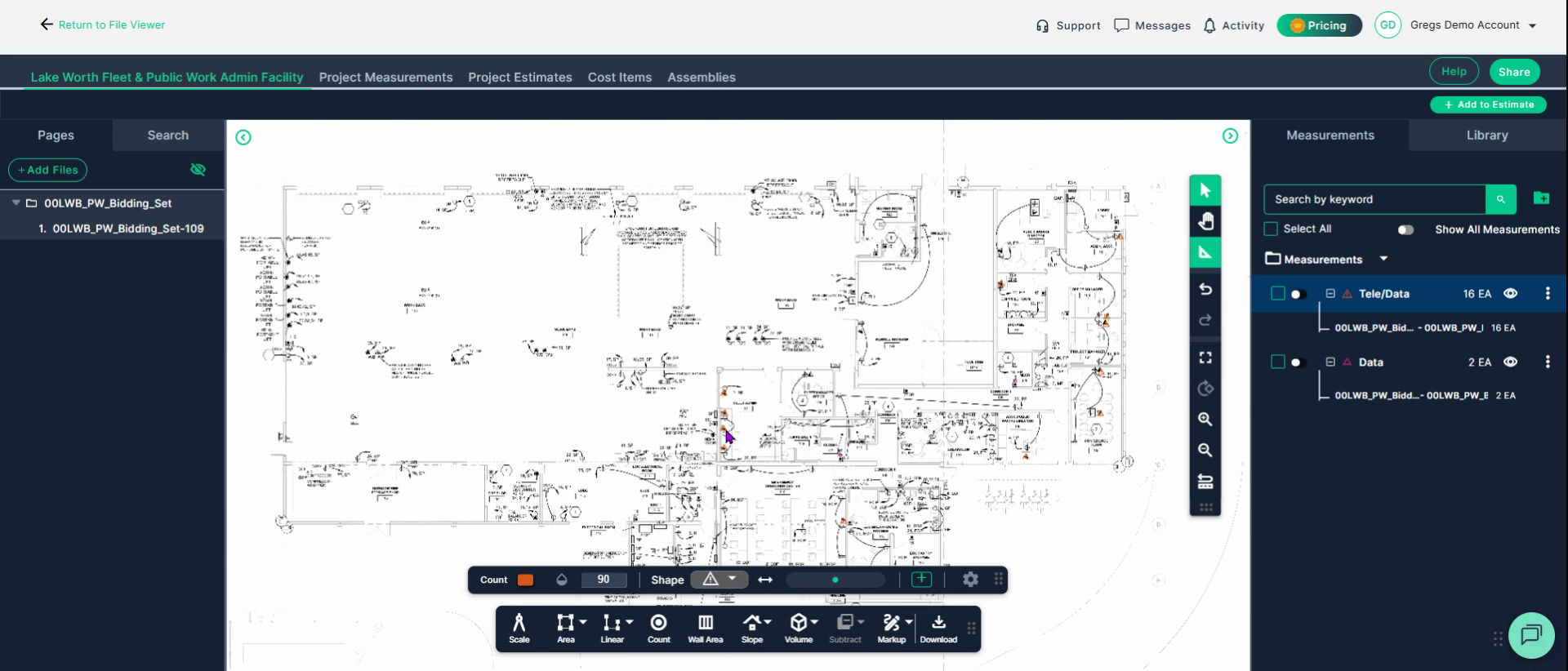
Step 2: Left click the starting point of your drop, left click at each corner to turn. Double left click to end the measurement.
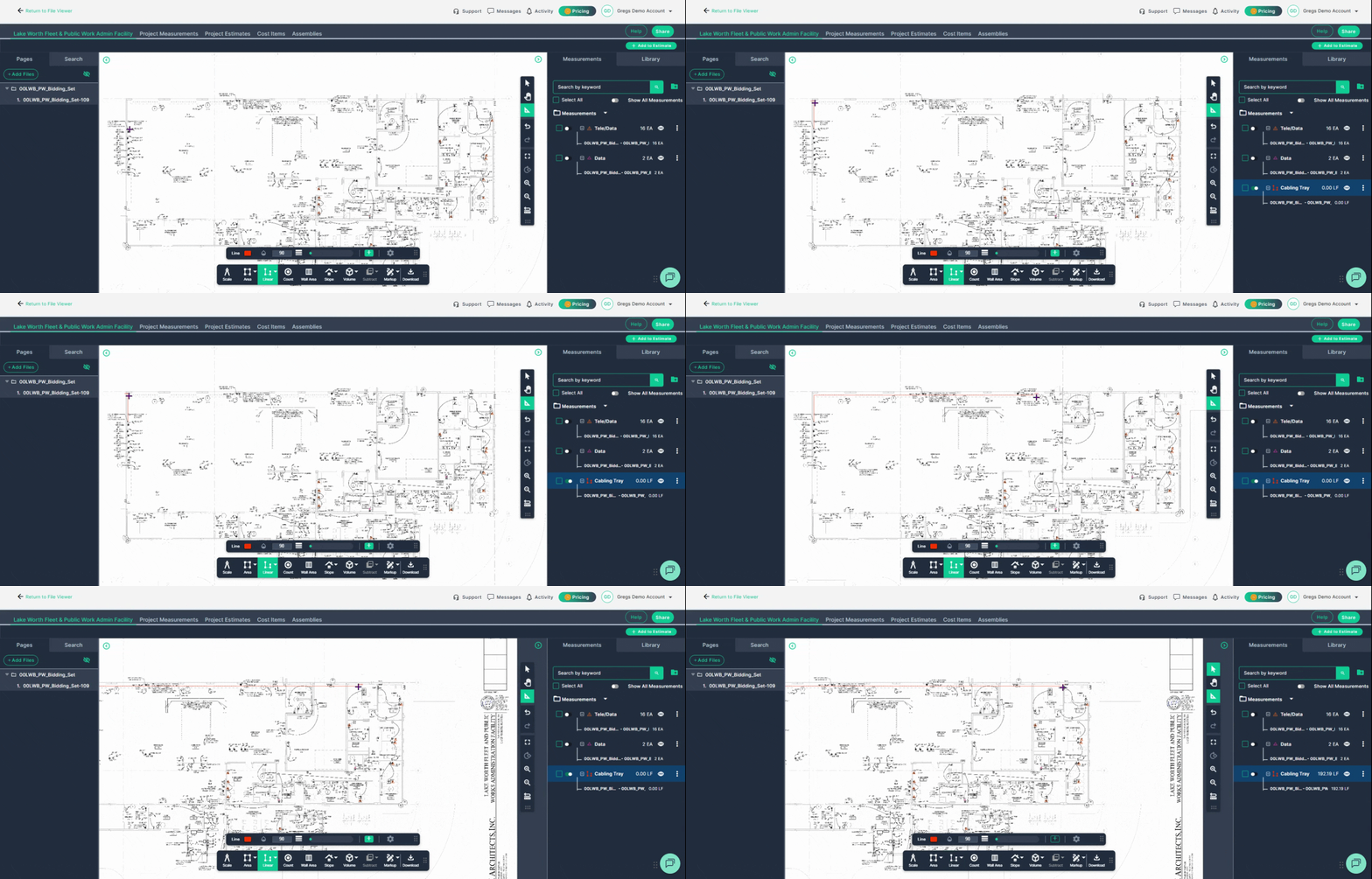
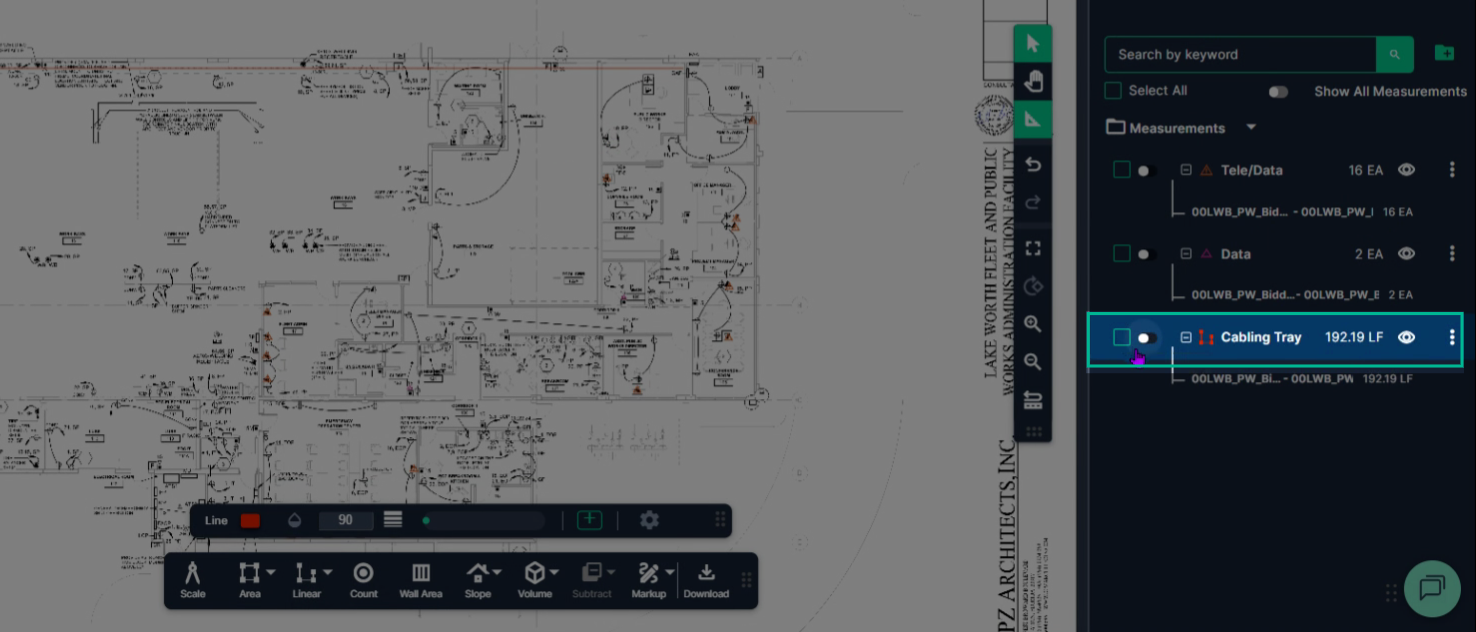
Step 3: To add to this measurement, turn the measurement tool back on with the switch. Then left click to start, left click if you need to turn, and double left click to stop.
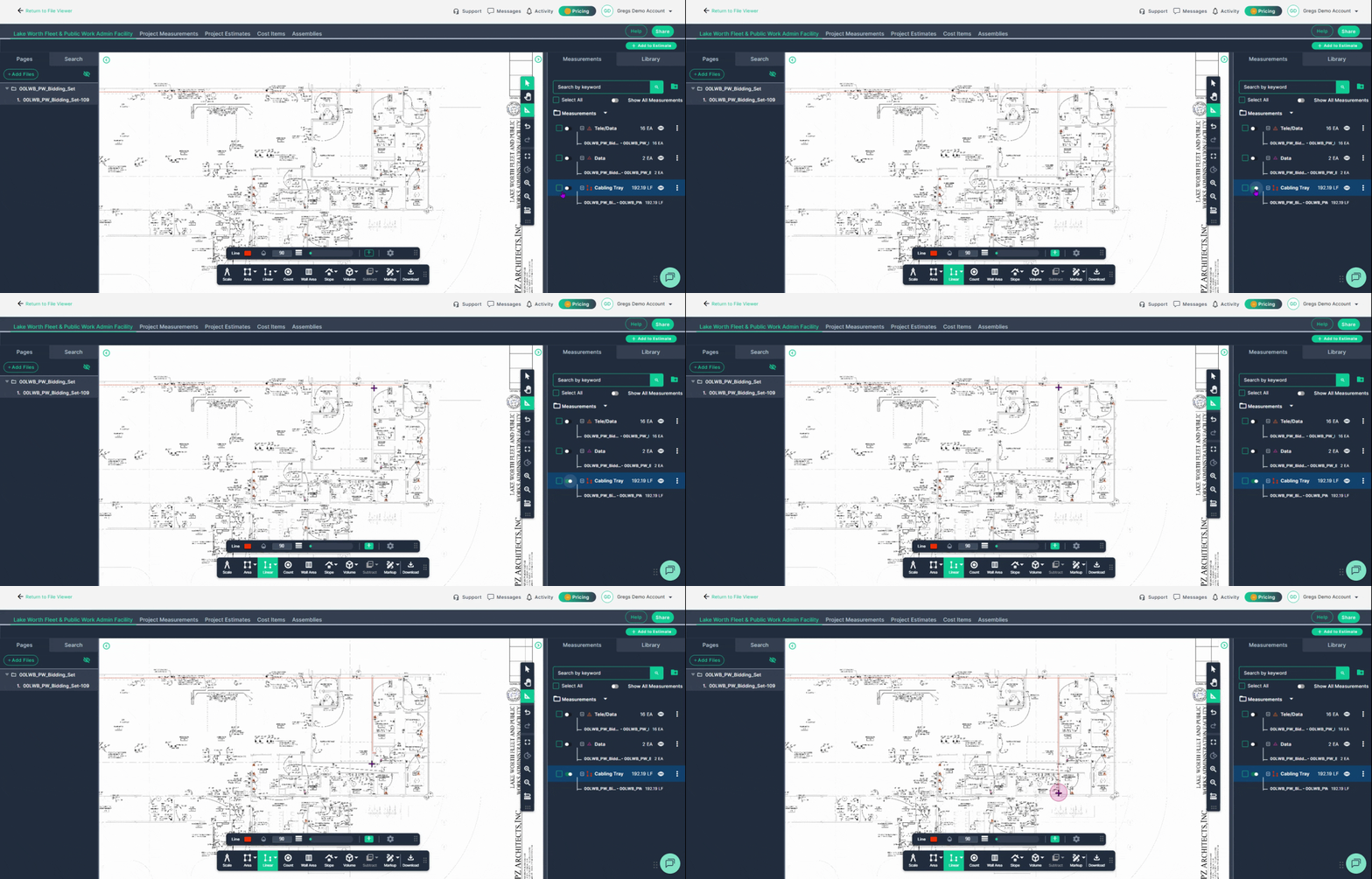
The new total of both runs will be in the measurements panel on the right side of the page.
Next Steps
Once you have completed taking all your measurements, you can:
- Download the measurements in a table from the Project Measurements page
- Add a legend and download the PNG of your takeoff page
- If you have purchased the Estimation add-on tool, send measurements into the Project Estimate page or push them into an Assembly you have built.
- Share your Takeoff with anyone using the Share button in the upper right-hand corner.
Troubleshooting
Contact us if you need assistance or to report an issue:
- PlanHub Contact Page: https://planhub.com/contact/
- Customer Facing Support Ticket Link: https://knowledgebase.planhub.com/knowledge/kb-tickets/new
- Schedule a Free 1-on-1 Takeoff Training: https://meetings.hubspot.com/zac-low/takeoff-and-estimation