![NEW_PlanHub_Logo_Navy.png]](https://knowledgebase.planhub.com/hs-fs/hubfs/Design/PH%20Logos/NEW%202024%20PH%20Logos/NEW_PlanHub_Logo_Navy.png?height=40&name=NEW_PlanHub_Logo_Navy.png)
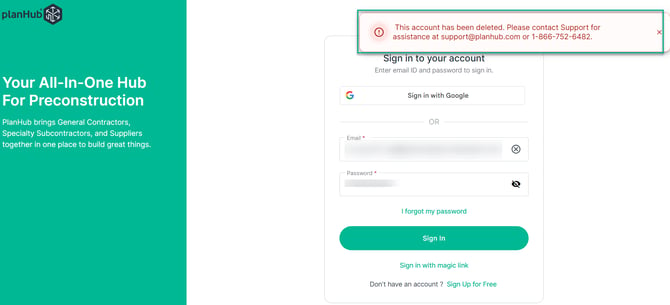
Deleted
- This account has been deleted. Please contact Support for assistance at support@planhub.com or 1-866-752-6482

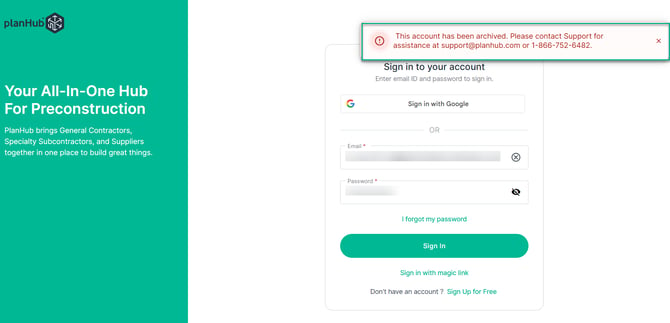
Archived
- This account has been archived. Please contact Support for assistance at support@planhub.com or 1-866-752-6482

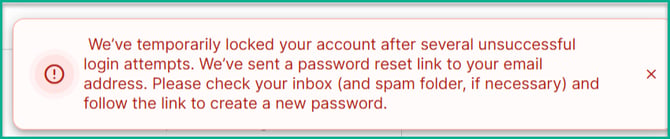
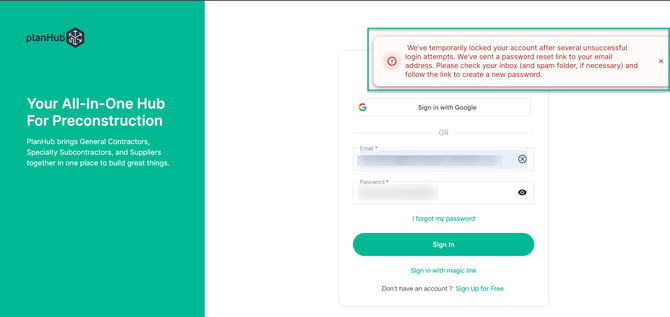
Locked for too many Password attempts
- We’ve temporarily locked your account after several unsuccessful login attempts. We’ve sent a password reset link to your email address. Please check your inbox (and spam folder, if necessary) and follow the link to create a new password.
Next Steps:
Please check your inbox (and spam folder, if necessary) and follow the link to create a new password.
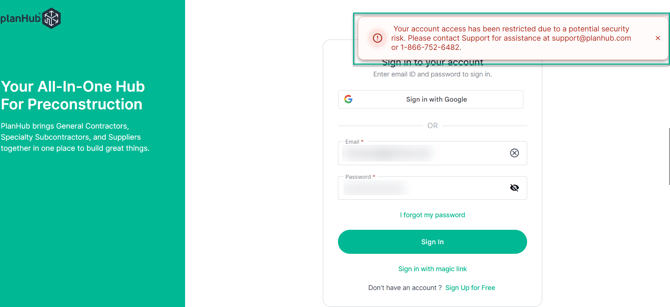
Security Risk Restriction
- Your account access has been restricted due to a potential security risk. Please contact Support for assistance at support@planhub.com or 1-866-752-6482.

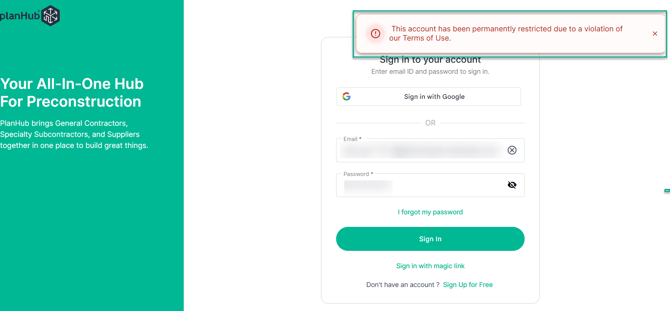
Permanently Restricted
- This account has been permanently restricted due to a violation of our Terms of Use.

Next Steps:
Contact us if you need assistance or to report an issue:
-
planHub Contact Page: https://planhub.com/contact/
-
Customer Facing Support Ticket Link: https://knowledgebase.planhub.com/knowledge/kb-tickets/new
-
Call Support at: 1-866-752-6482