![NEW_PlanHub_Logo_Navy.png]](https://knowledgebase.planhub.com/hs-fs/hubfs/Design/PH%20Logos/NEW%202024%20PH%20Logos/NEW_PlanHub_Logo_Navy.png?height=40&name=NEW_PlanHub_Logo_Navy.png)
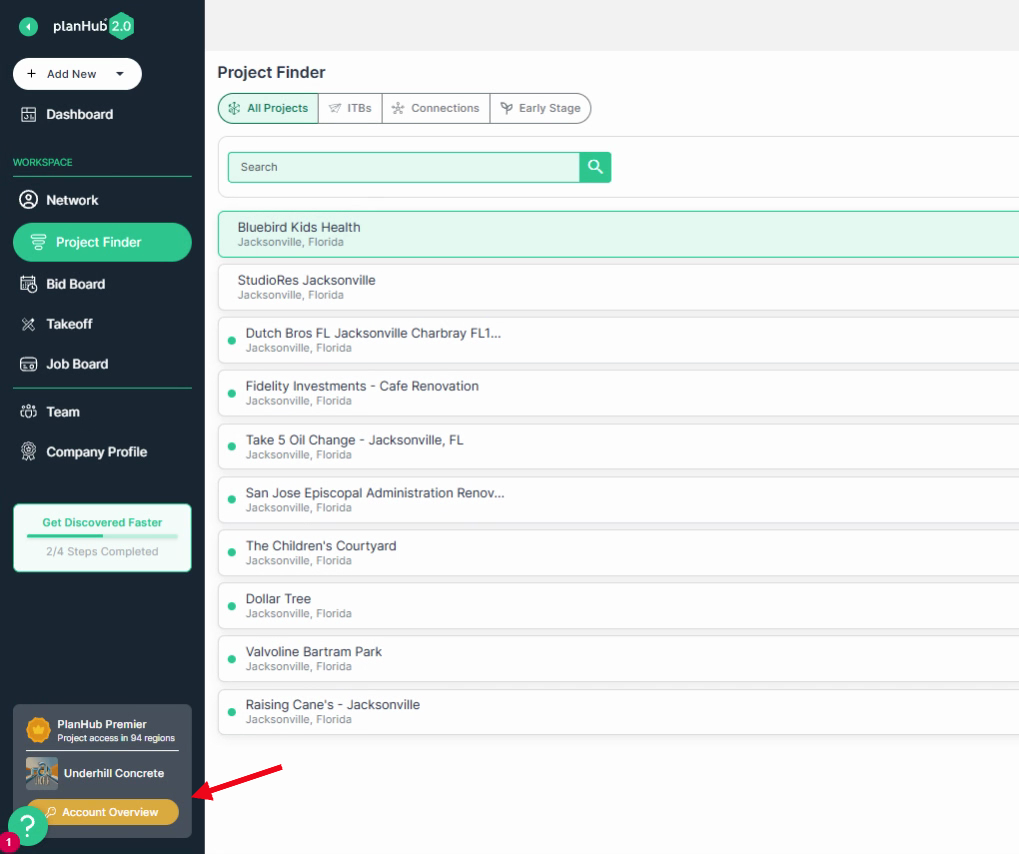
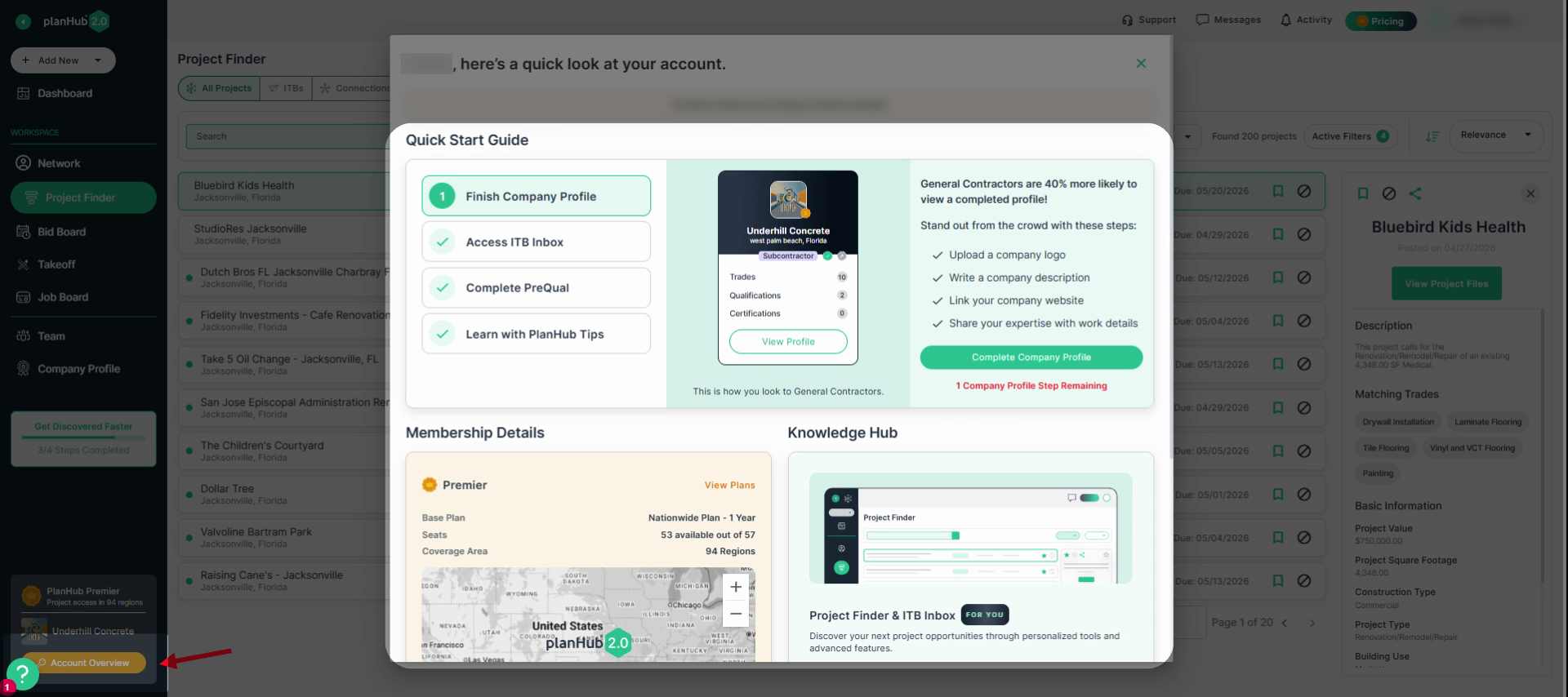
Step 1: Navigate to the left main panel and click on the Account Overview tab.
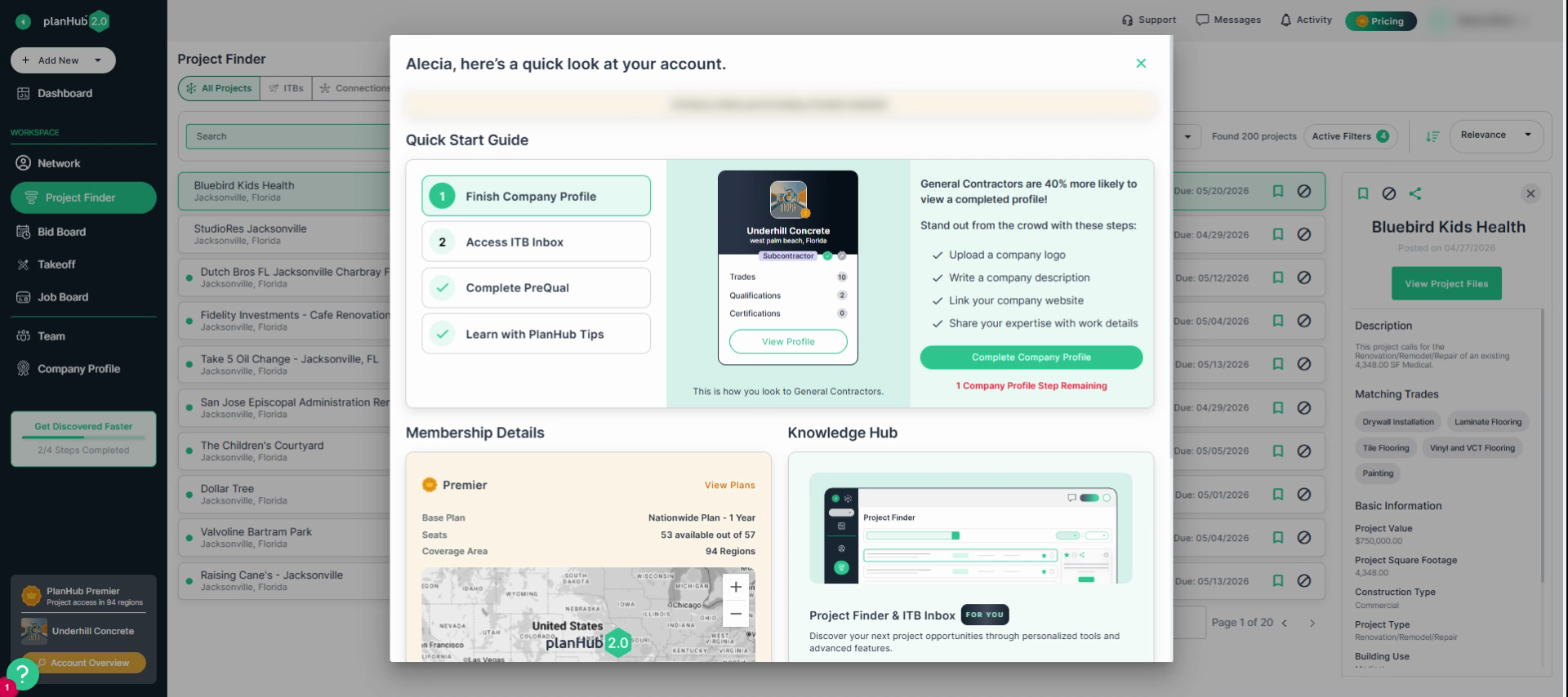
Step 2: In the pop-up window, find the Quick Start Guide. This section guides you through completing the onboarding process.
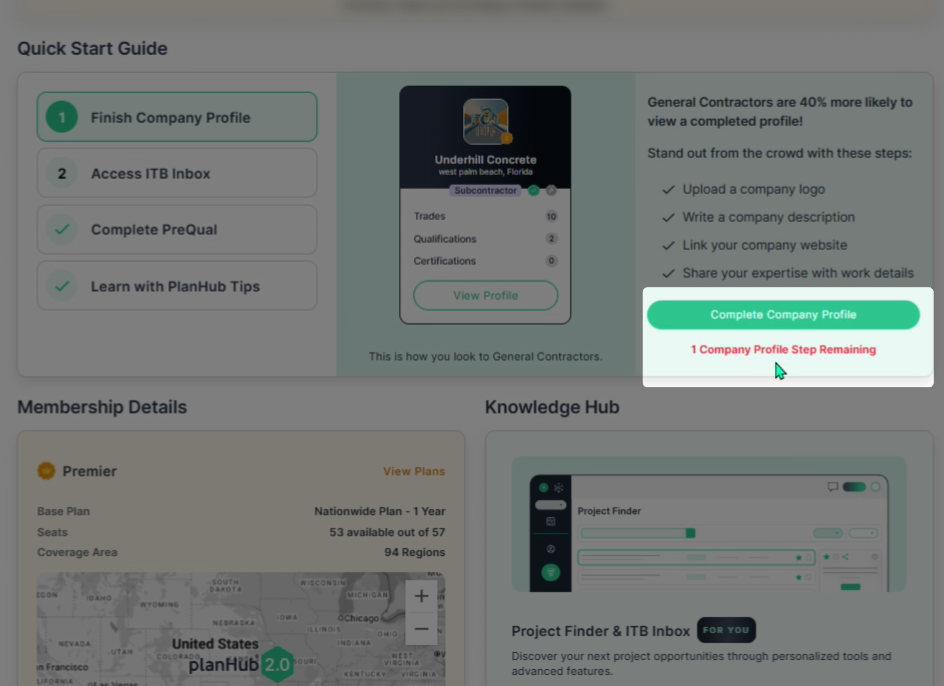
Step 3: Review the notifications that indicate remaining tasks. For example, completing your company profile.
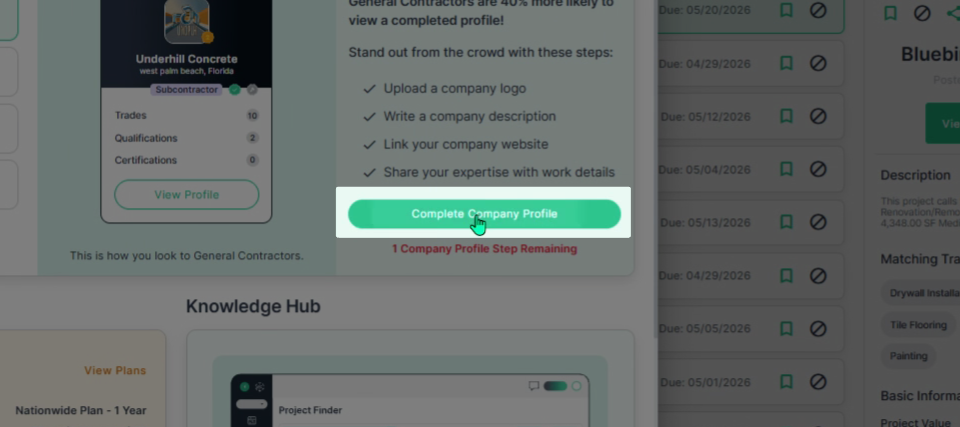
Step 4: Click on the Complete Company Profile tab to finish any outstanding steps.
Step 5: Click on the Access ITB Inbox tab. From here, you can download the ITB app by scanning the displayed QR code.
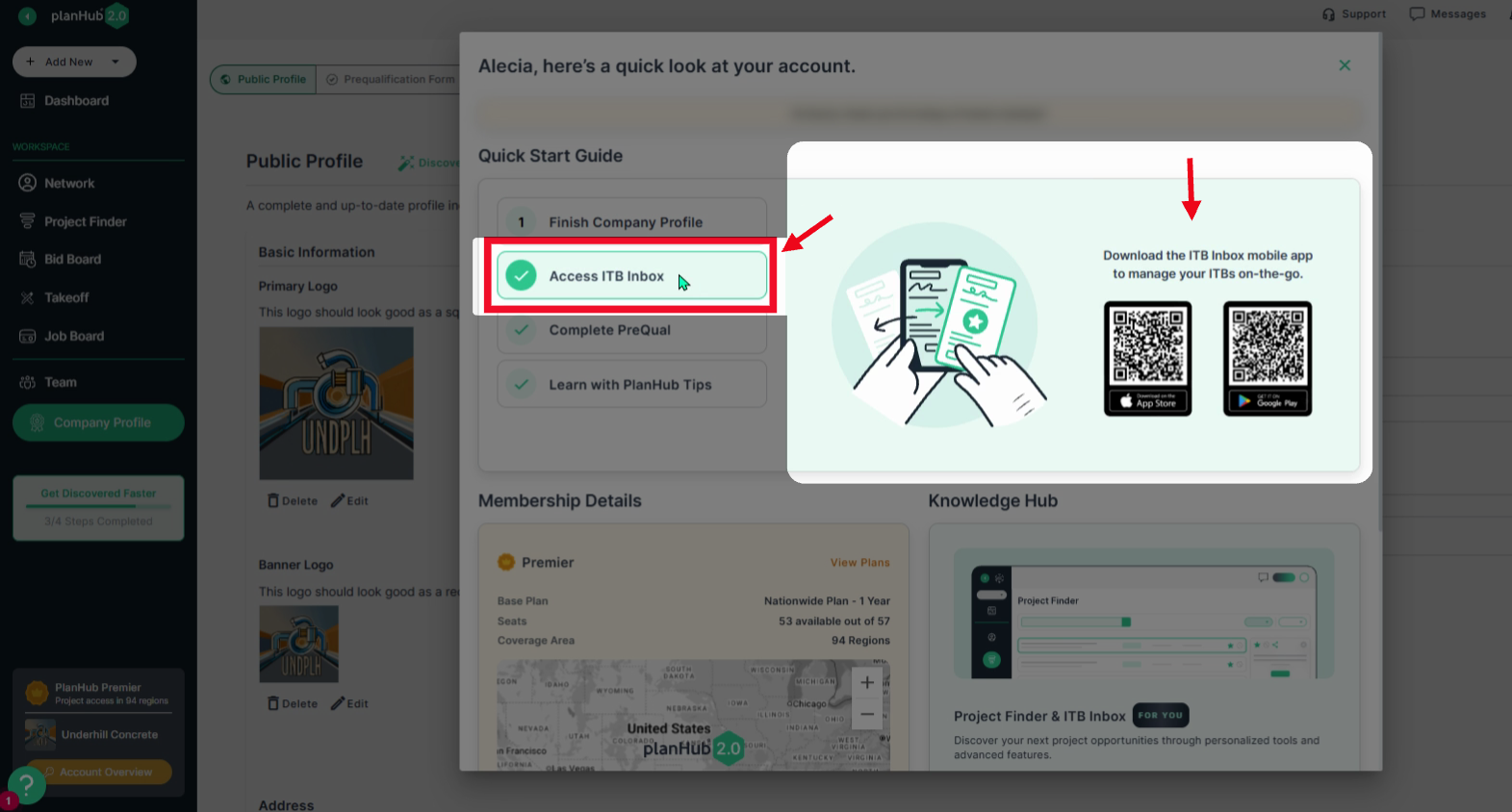
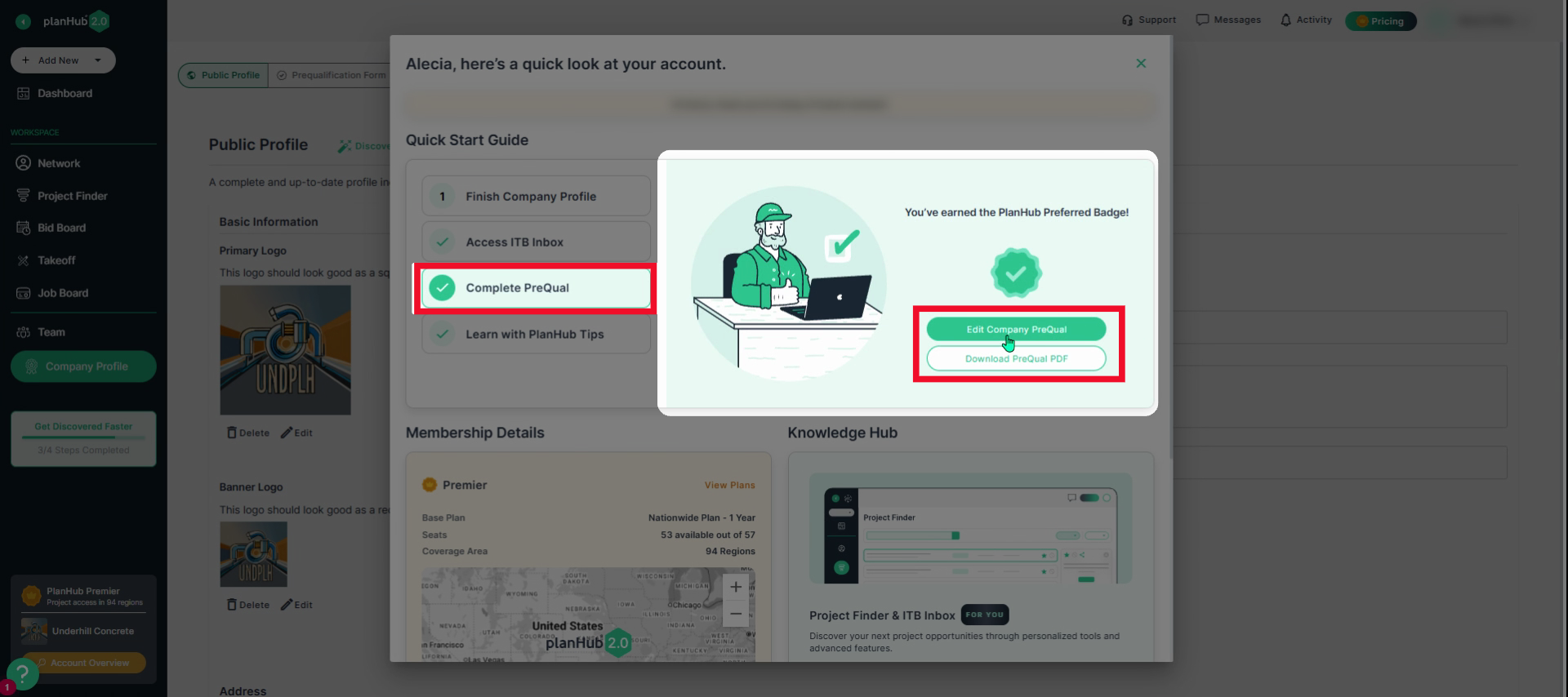
Step 6: Under the Prequalification section, edit and download your company’s prequalification form for quick access.
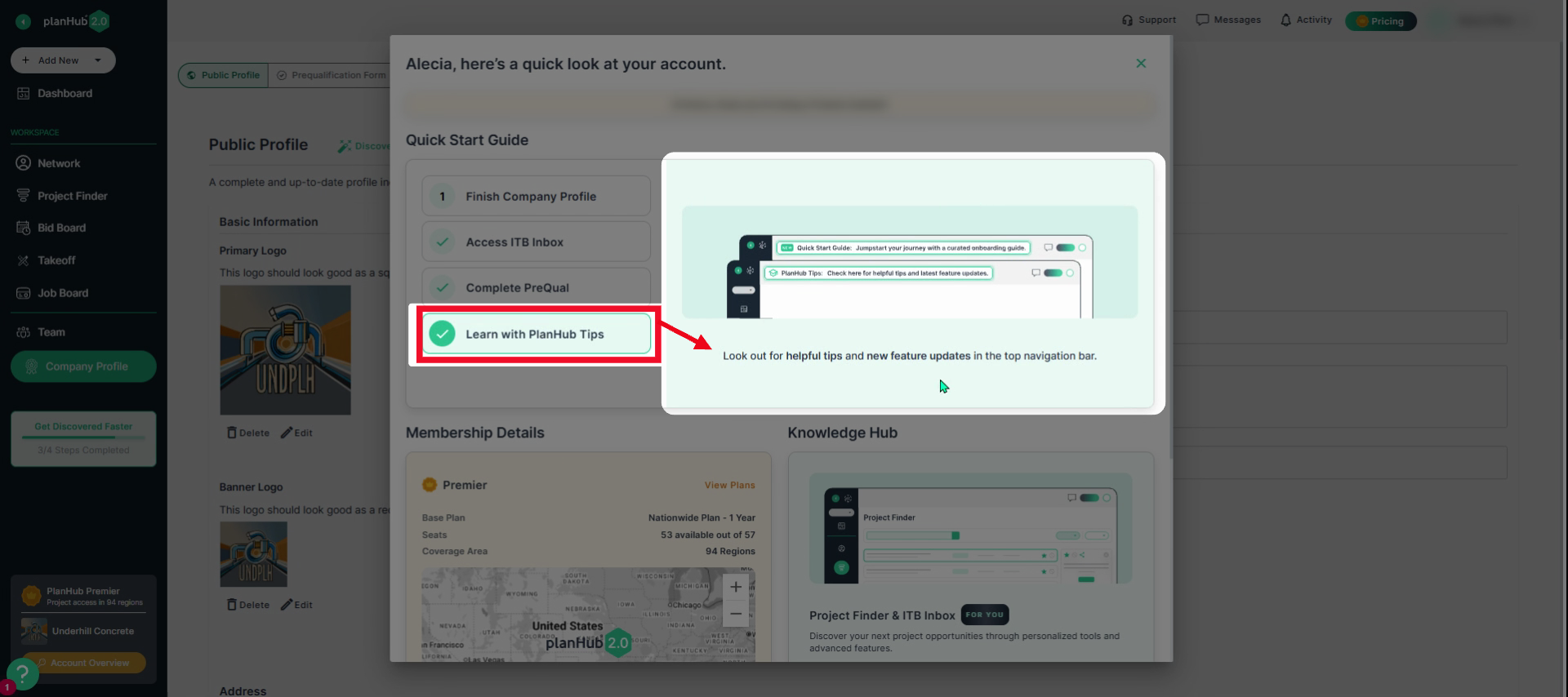
Step 7: Explore the Learn with Plan of Tips section. Here, check helpful tips and updates about new features.
Step 8: Review your membership details. See your current subscription plan, its features, total seats included, and coverage area purchased.
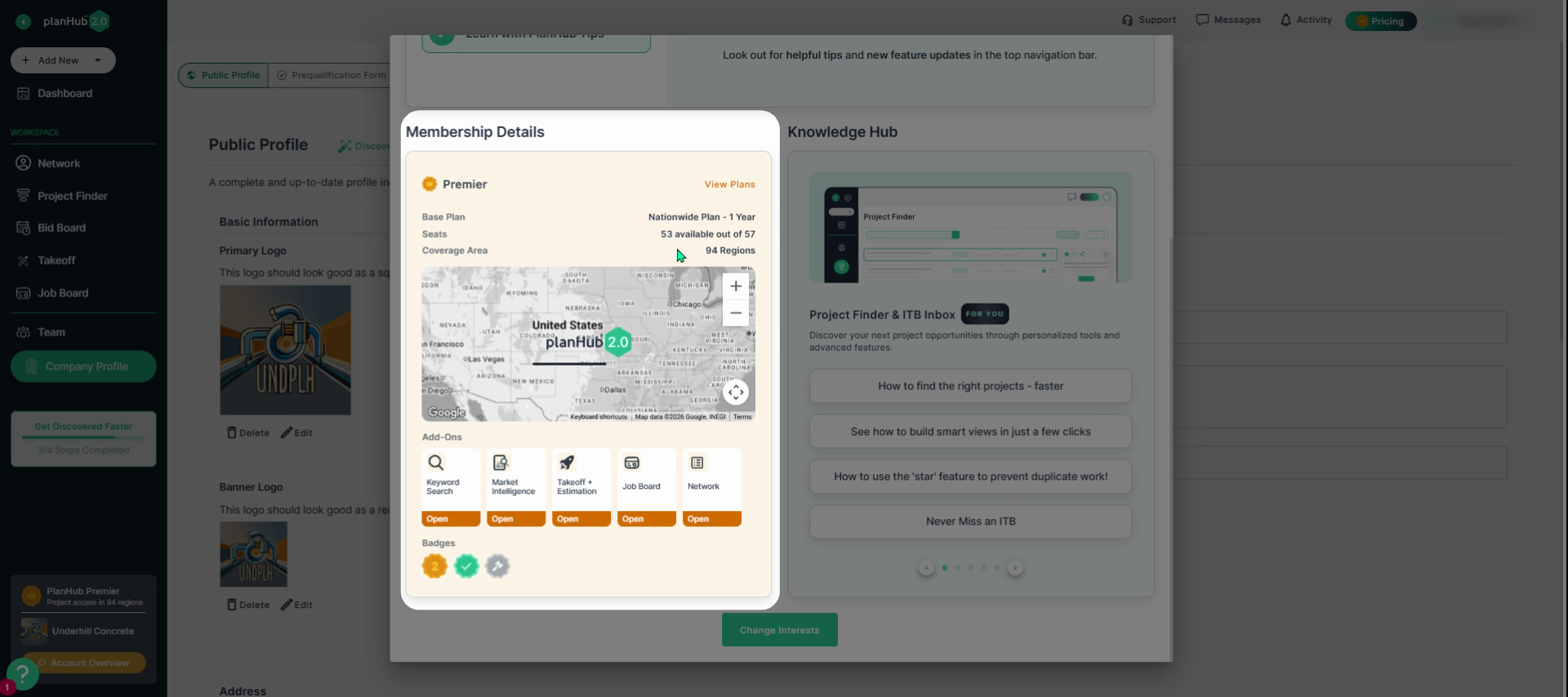
Step 9: View Add-Ons purchased for your subscription, such as takeoff and estimation features.
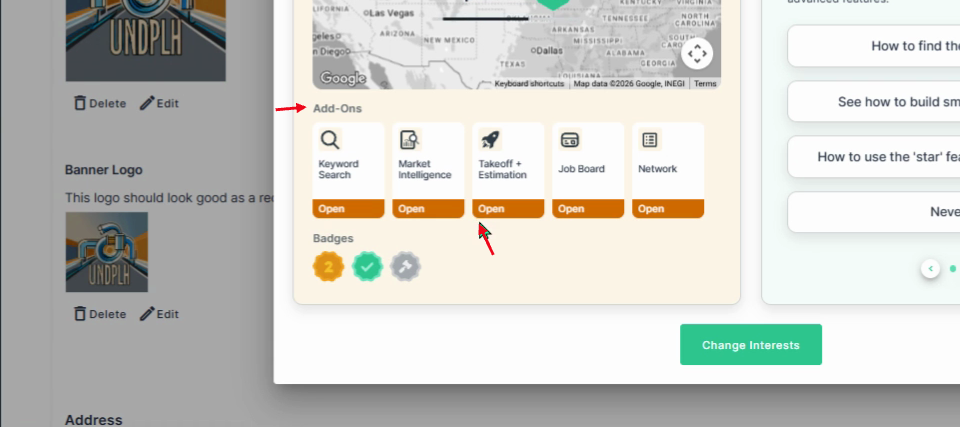
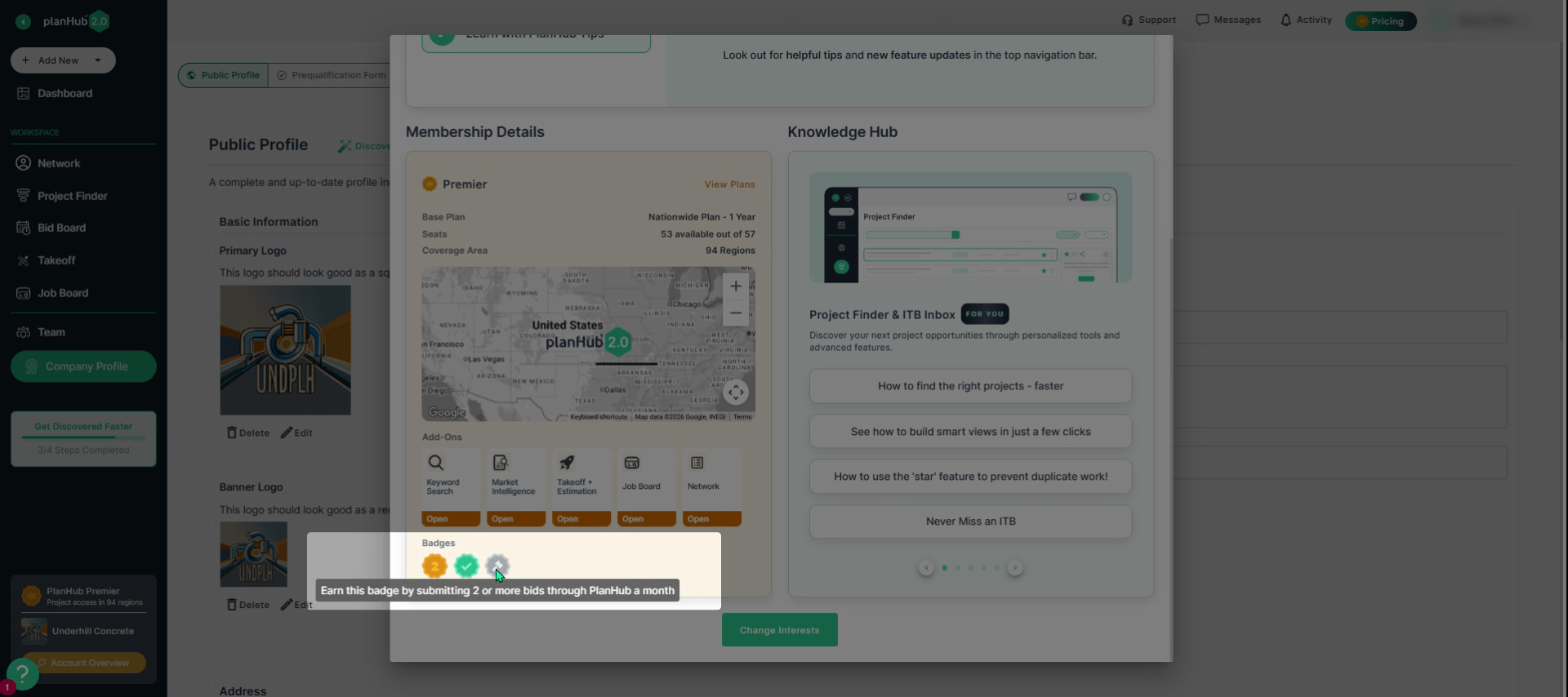
Step 10: Check badges you’ve earned. Hover the mouse cursor over each badge to see more details on how to earn each badge.
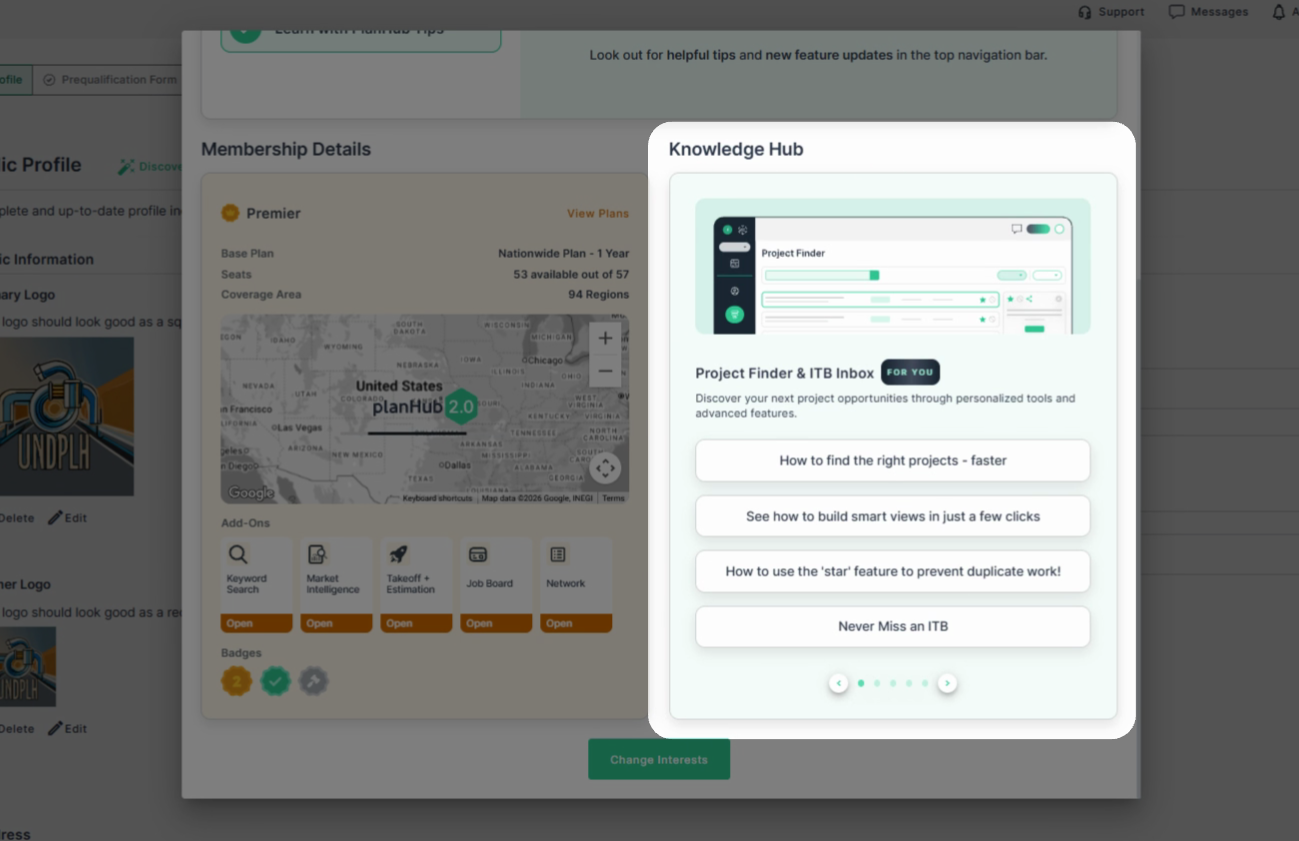
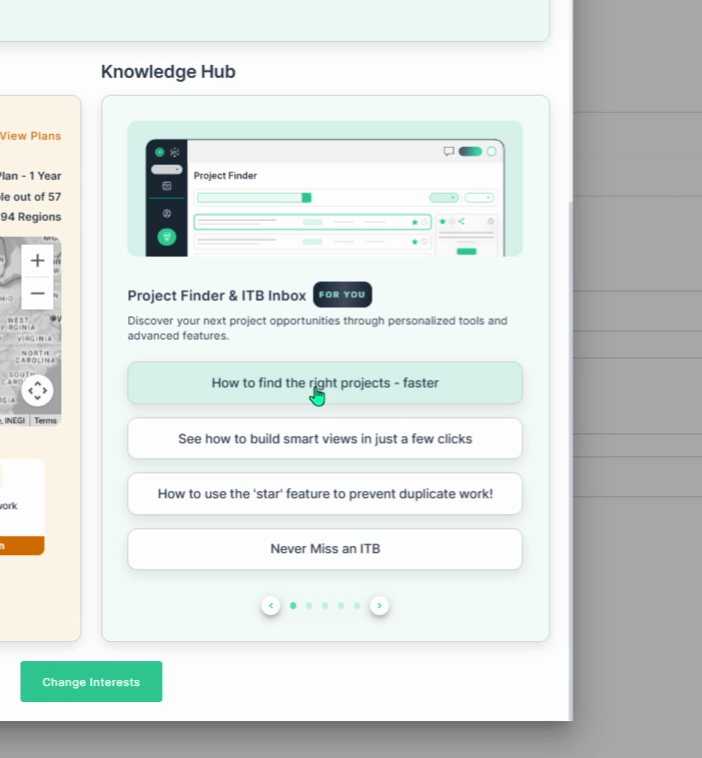
Step 11: On the right, use the Knowledge Hub for onboarding guides matched to your interests and needs.
Step 12: Update and track your company goals with the interactive selector. Scroll through goals, and click on the options related to your interests.
Step 13: For future updates or quick actions, access the Account Overview anytime and use the Quick Start Guide to track your progress.
Completing the Account Overview Quick Start Guide helps ensure your account is properly set up, improves your visibility to general contractors, and enables you to effectively use key tools to increase engagement and secure more project opportunities.
Troubleshooting
Contact us if you need assistance or to report an issue:
- PlanHub Contact Page: https://planhub.com/contact/
- Customer Facing Support Ticket Link: https://knowledgebase.planhub.com/knowledge/kb-tickets/new
- Customer Success Team: CustomerSuccess@planhub.com