![NEW_PlanHub_Logo_Navy.png]](https://knowledgebase.planhub.com/hs-fs/hubfs/Design/PH%20Logos/NEW%202024%20PH%20Logos/NEW_PlanHub_Logo_Navy.png?height=40&name=NEW_PlanHub_Logo_Navy.png)
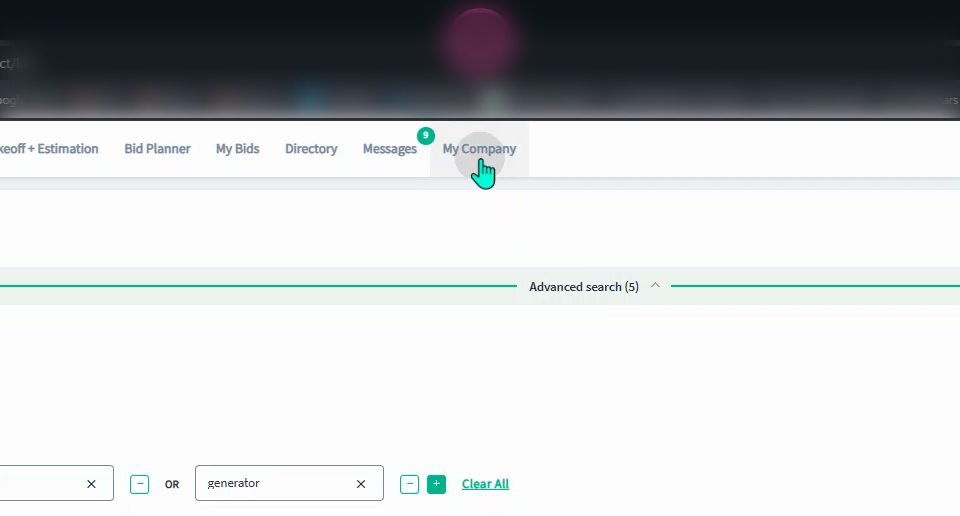
Step 1: The Admin user on the account will be able to update the payment by navigating to the My Company tab at the top of the webpage in the main panel.
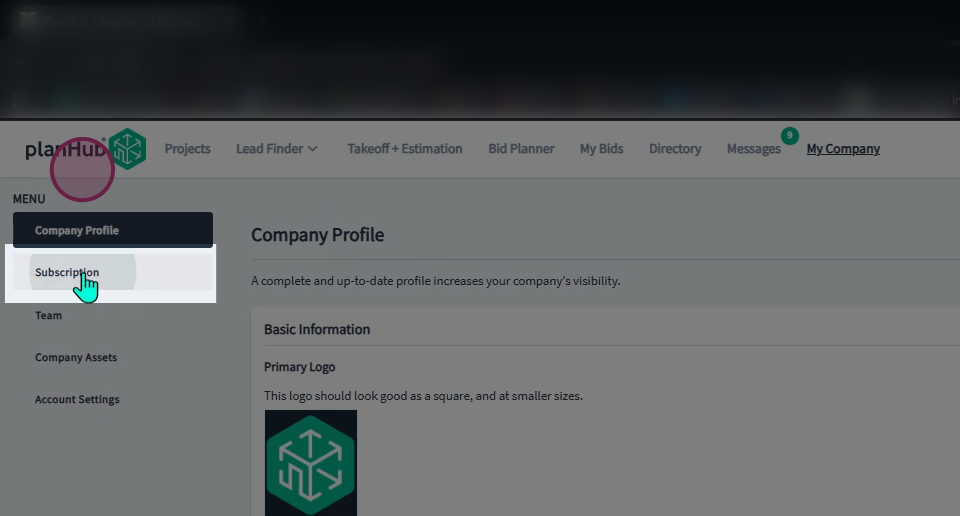
Step 2: Select Subscription from the menu in the left panel.
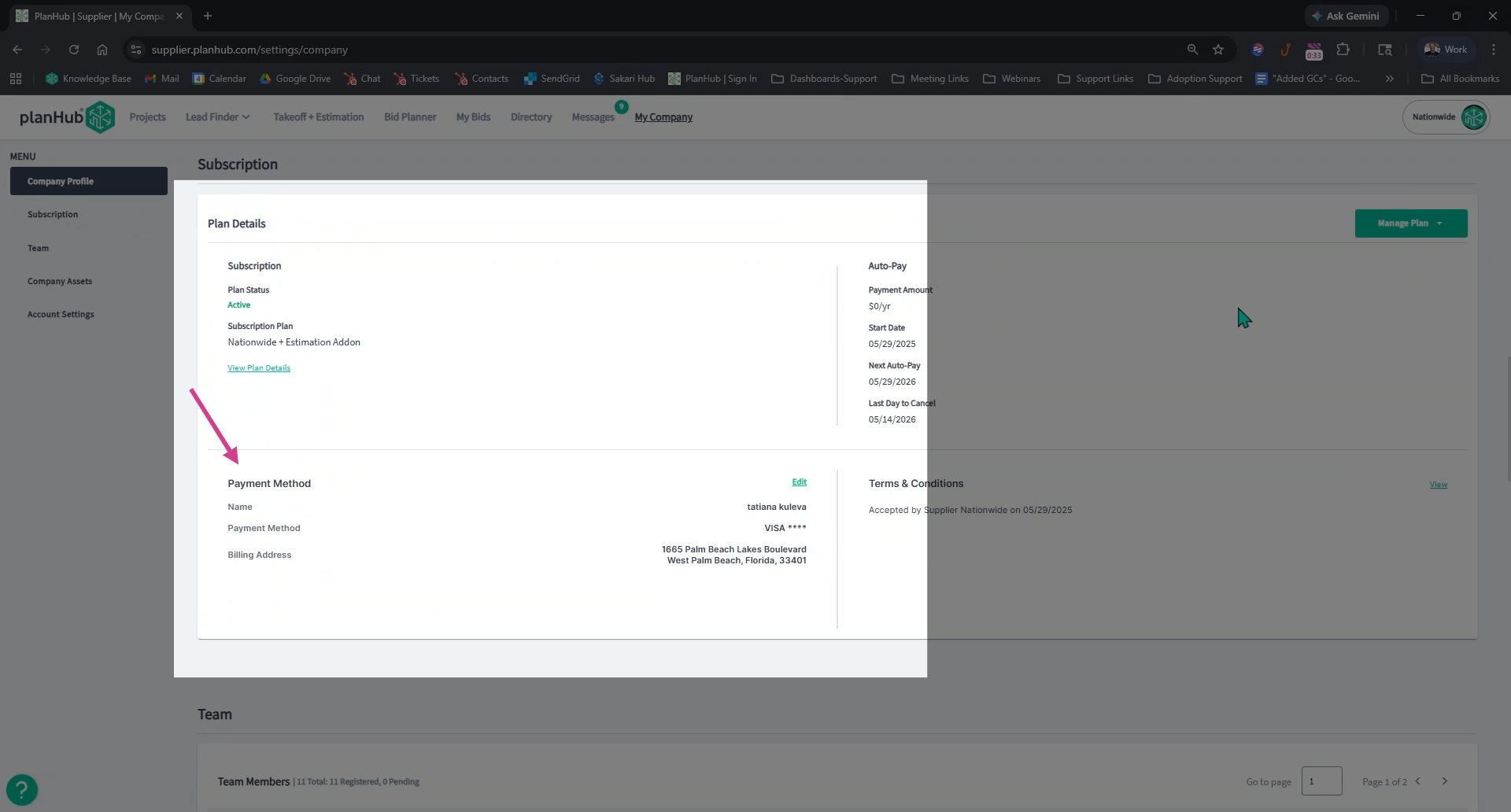
Step 3: Then, navigate to the Payment Method section in the Plan Details box.
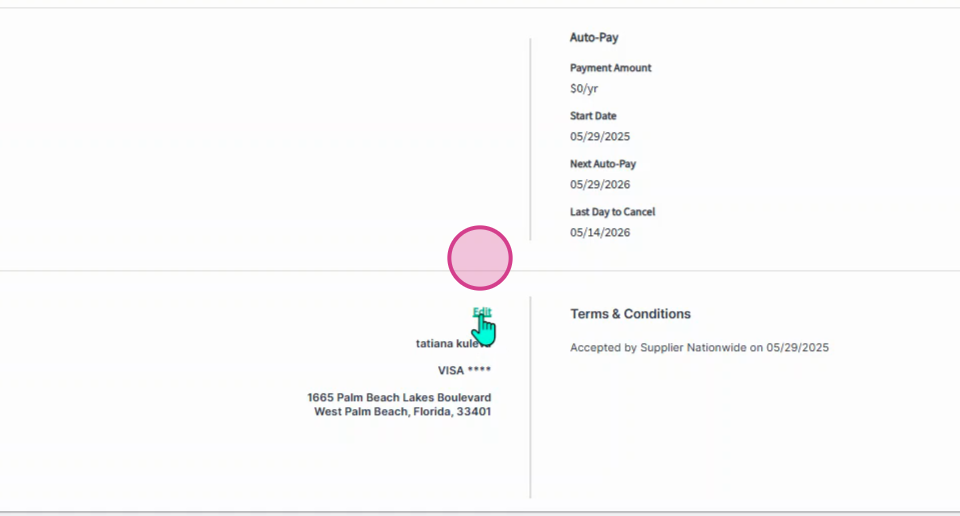
Step 4: Click Edit on the right side in the payment method section.
Step 5: In the pop-up window, enter your credit card or PayPal account information.
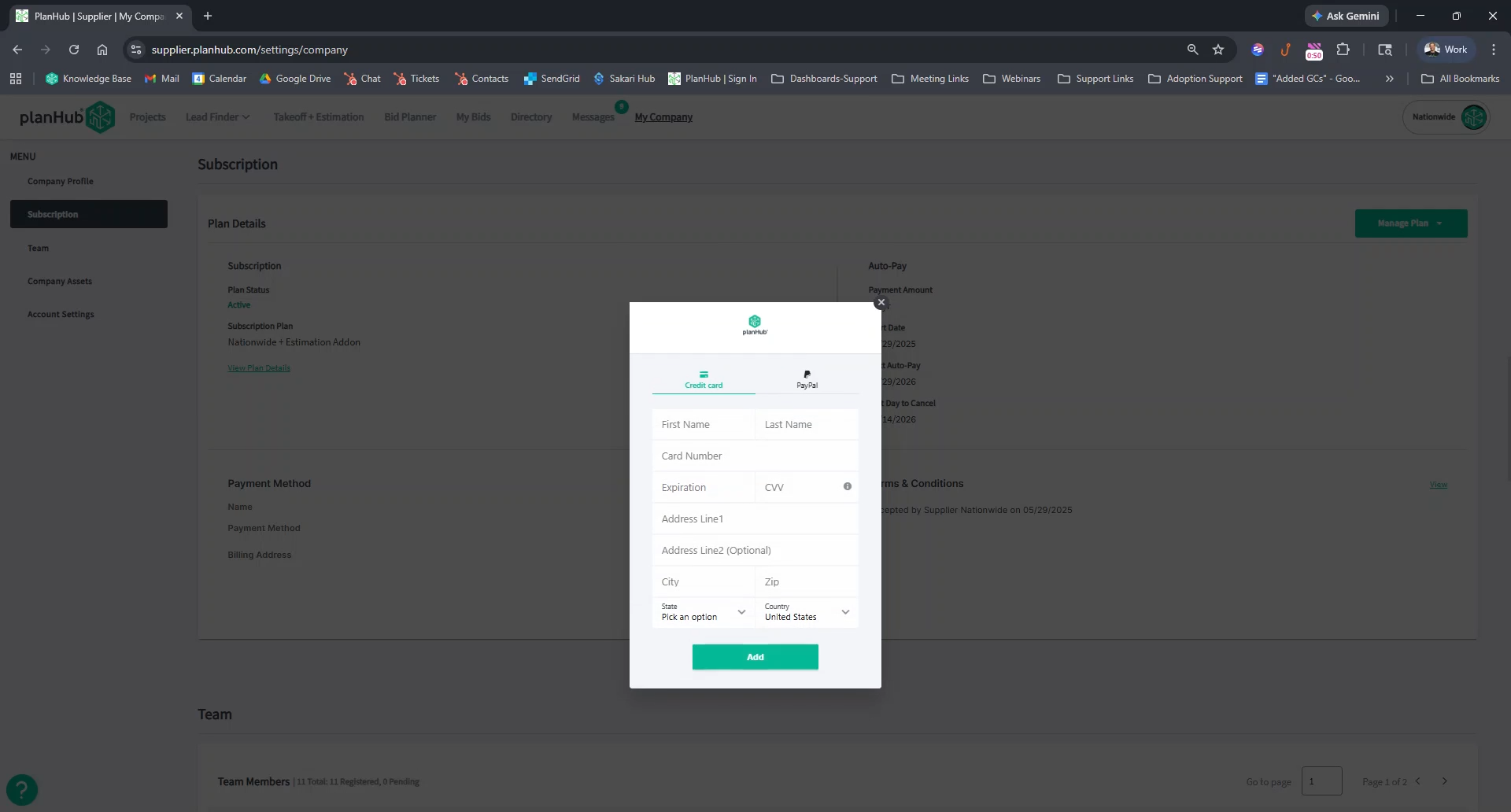
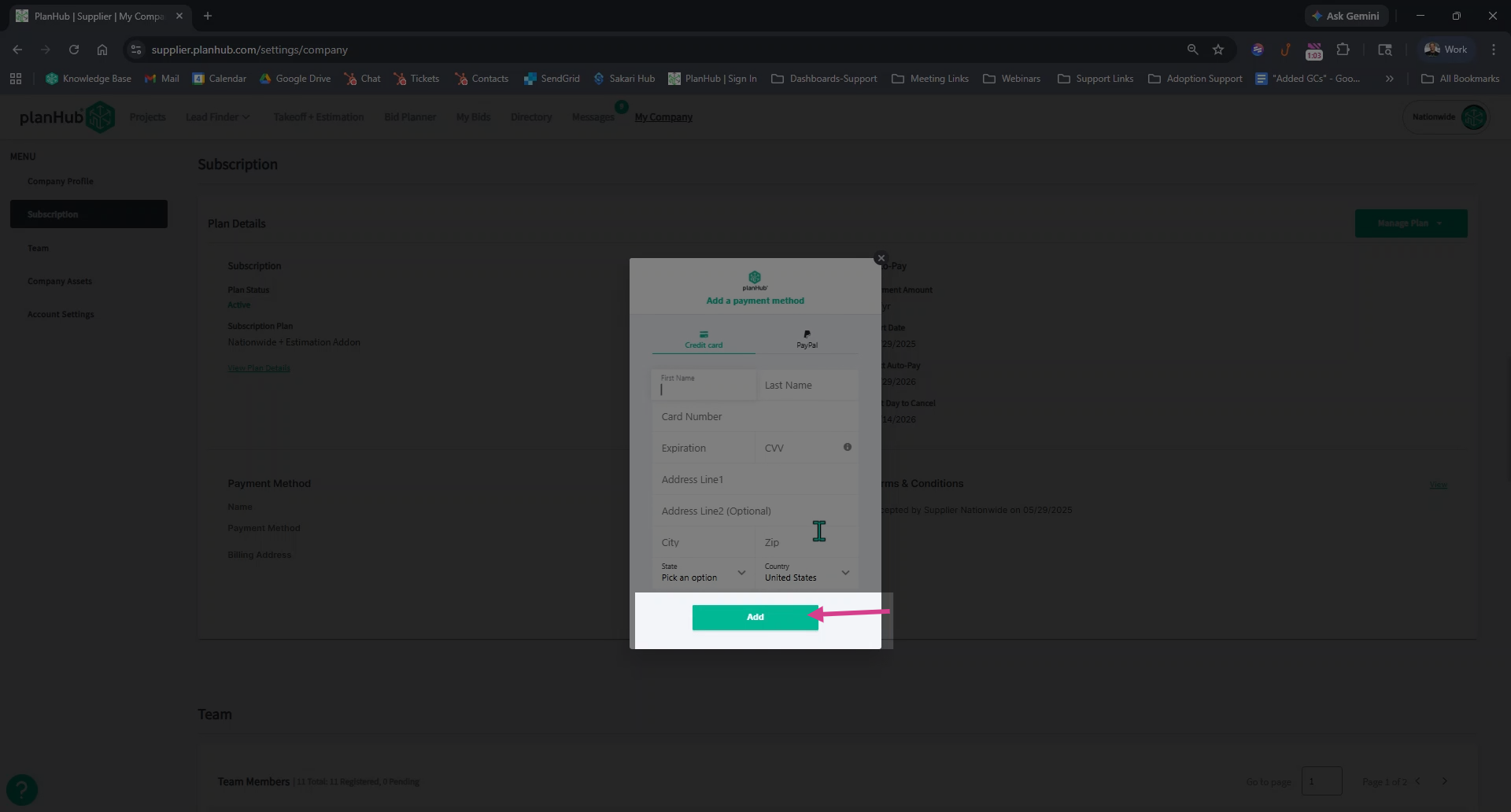
Step 6: Click Add to save your updated payment method. The system will begin processing the payment once the pop-up window is closed. Please allow additional time for the process to complete once entered.
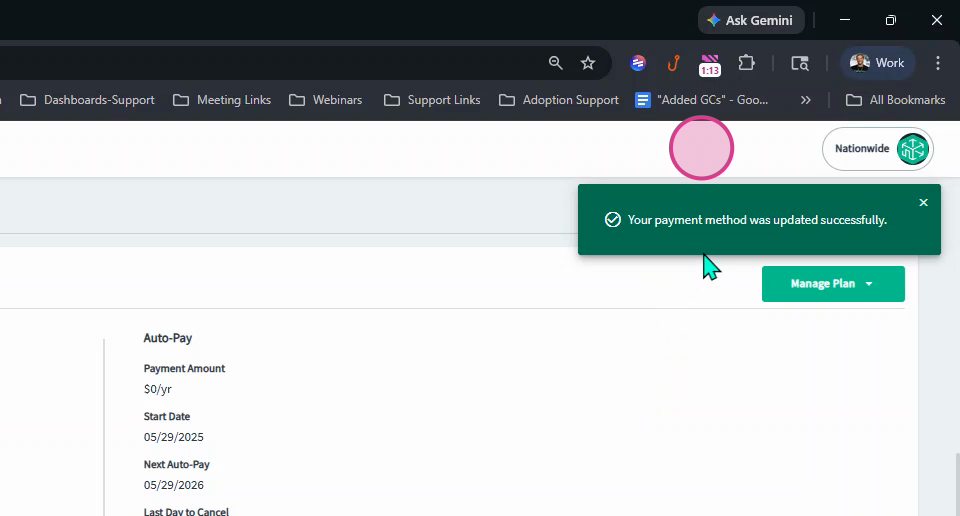
Step 7: Refer to the green pop-up window in the upper right corner confirming your payment method was updated successfully.
Keeping your payment details current ensures uninterrupted access for you and your team. Don’t let lapses disrupt your workflow—update your payment information as soon as it changes!
Troubleshooting
Contact us if you need assistance or to report an issue:
- PlanHub Contact Page: https://planhub.com/contact/
- Customer Facing Support Ticket Link: https://knowledgebase.planhub.com/knowledge/kb-tickets/new
- Customer Success Team: CustomerSuccess@planhub.com