![NEW_PlanHub_Logo_Navy.png]](https://knowledgebase.planhub.com/hs-fs/hubfs/Design/PH%20Logos/NEW%202024%20PH%20Logos/NEW_PlanHub_Logo_Navy.png?height=40&name=NEW_PlanHub_Logo_Navy.png)
Step 1: Log into your general contractor account.
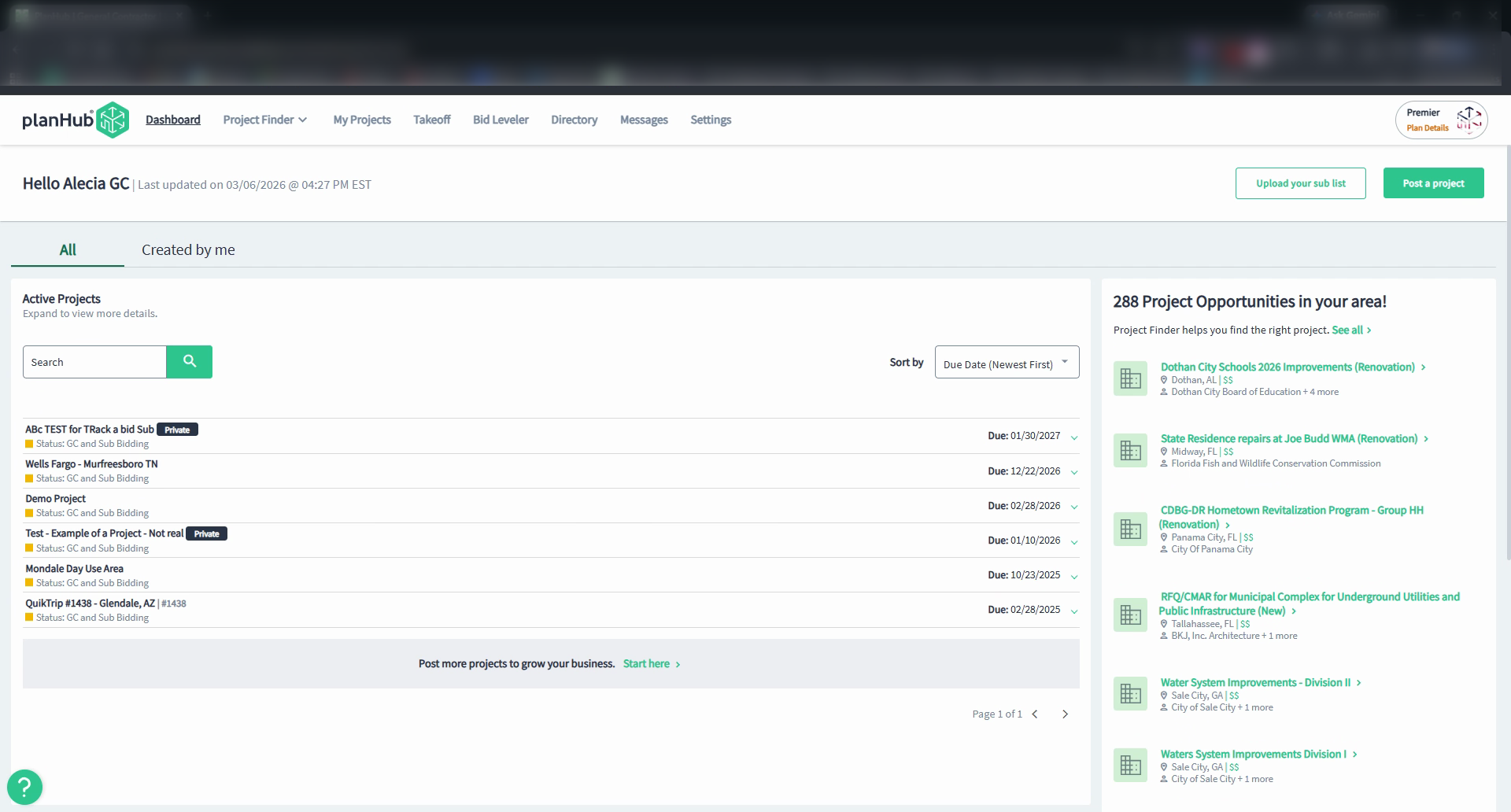
Step 2: Look for the question mark icon in the bottom left corner of the webpage.
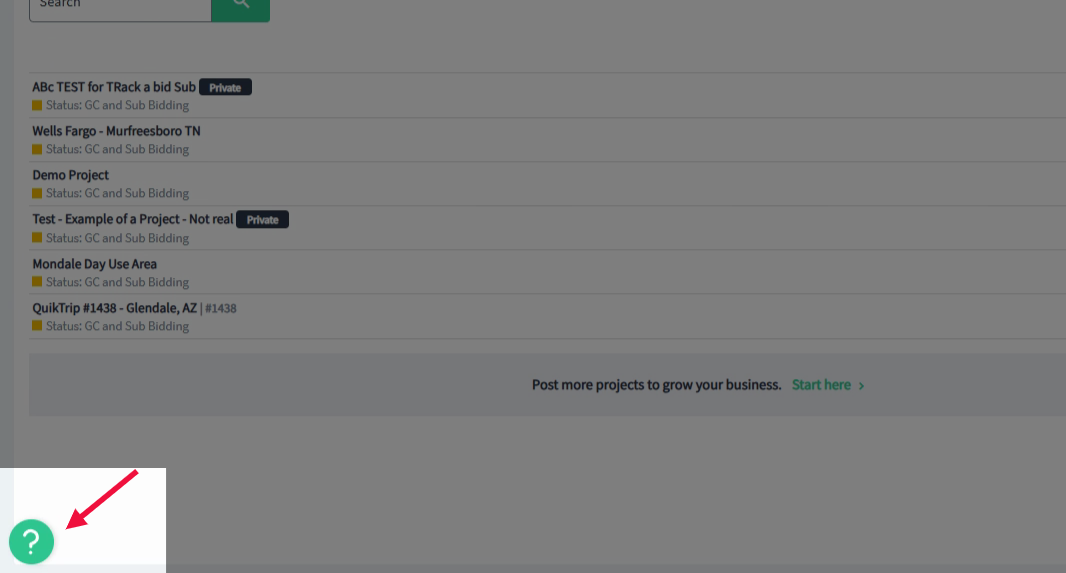
Step 3: Click the question mark to open the Resource Center menu.
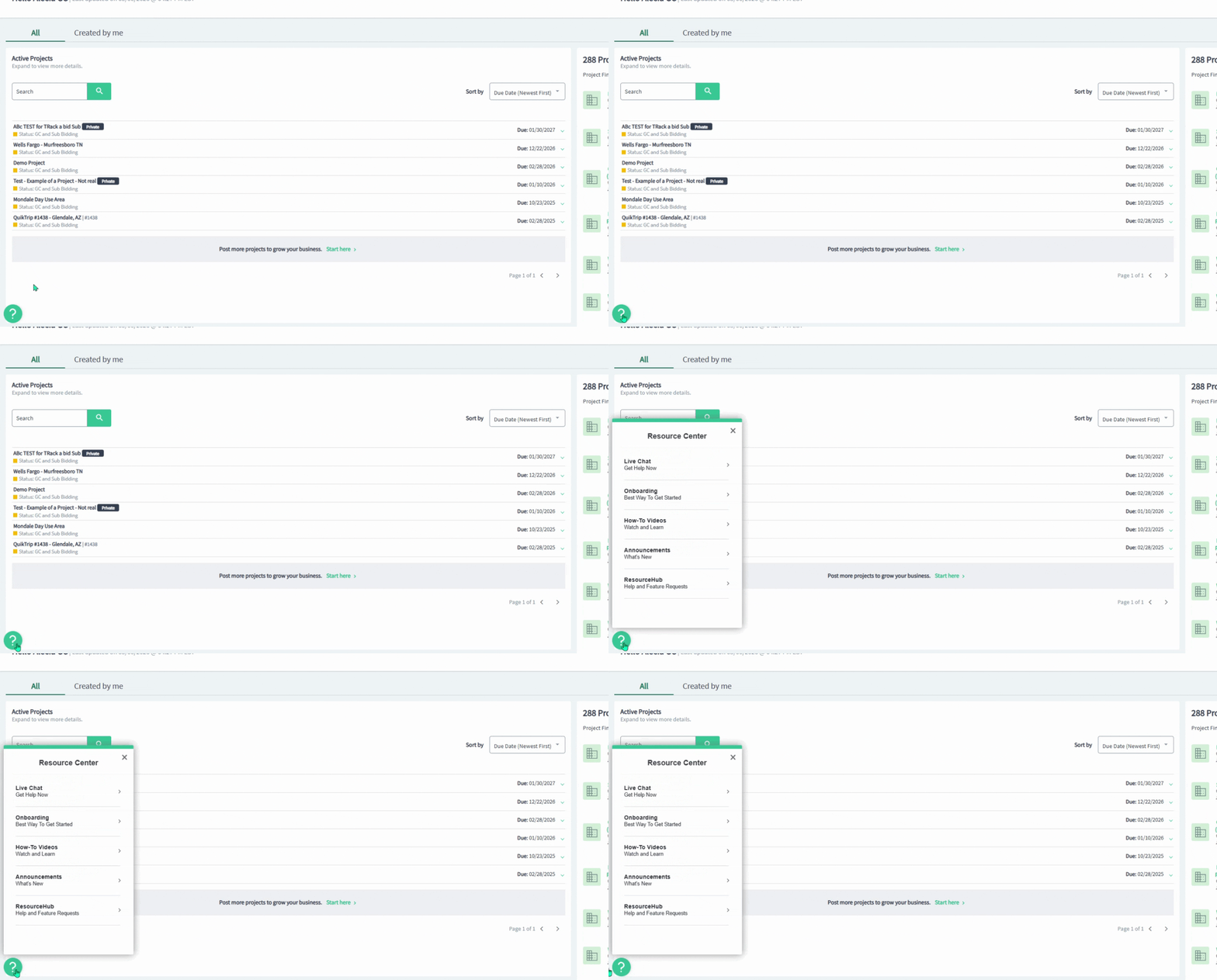
Step 4: In the pop-up menu, select the Resource Hub option at the bottom of the list.
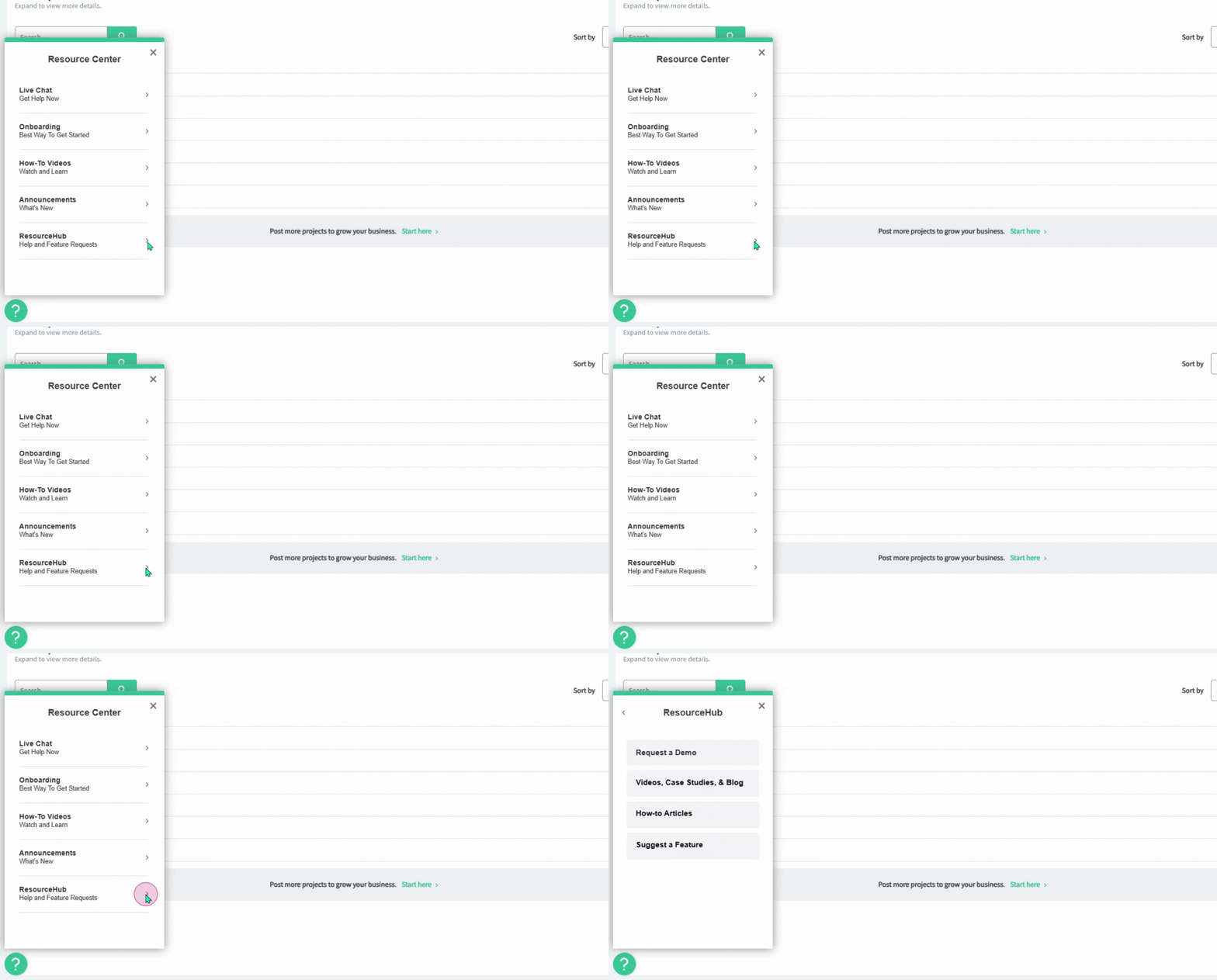
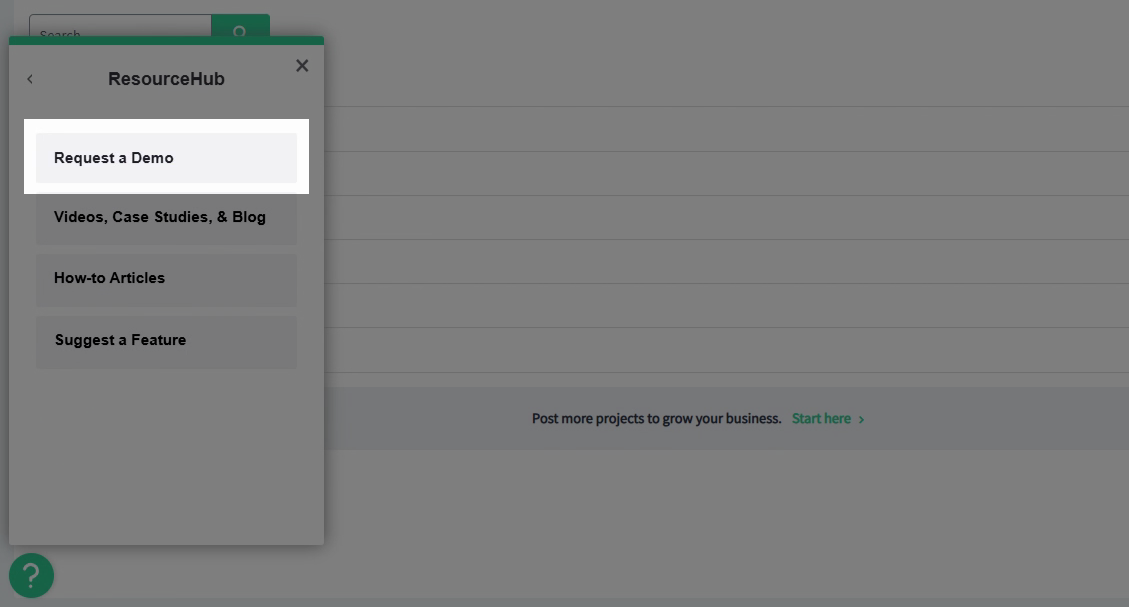
Step 5: In the Resource Hub menu, click Request a Demo at the top of the list.
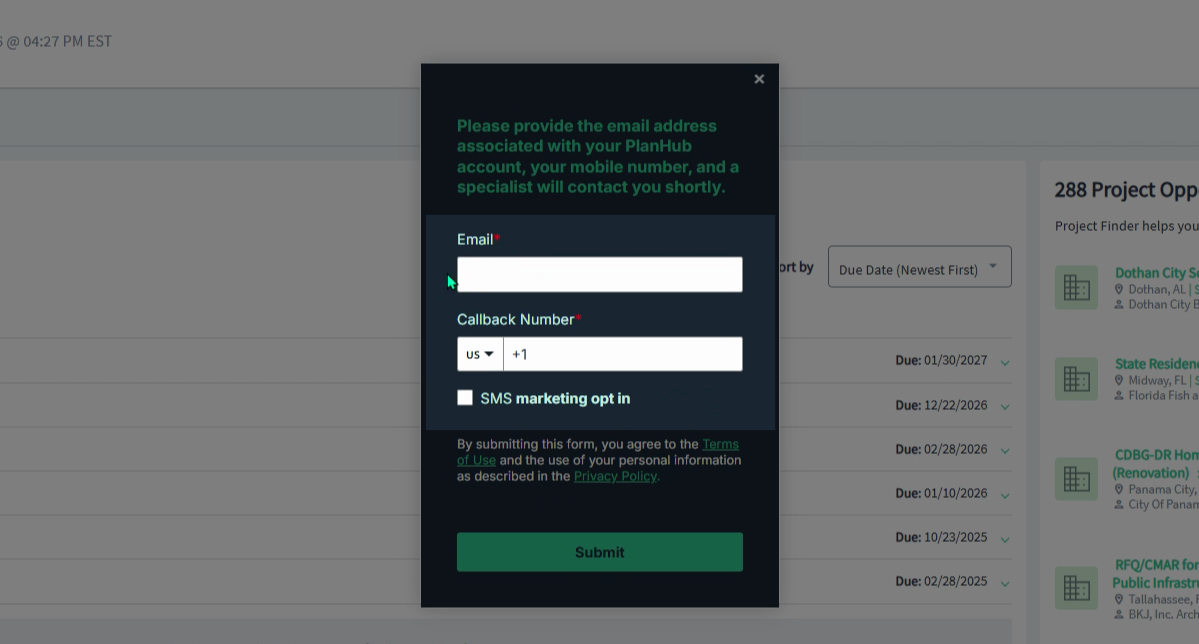
Step 6: In the pop-up window, enter your email address and callback number.
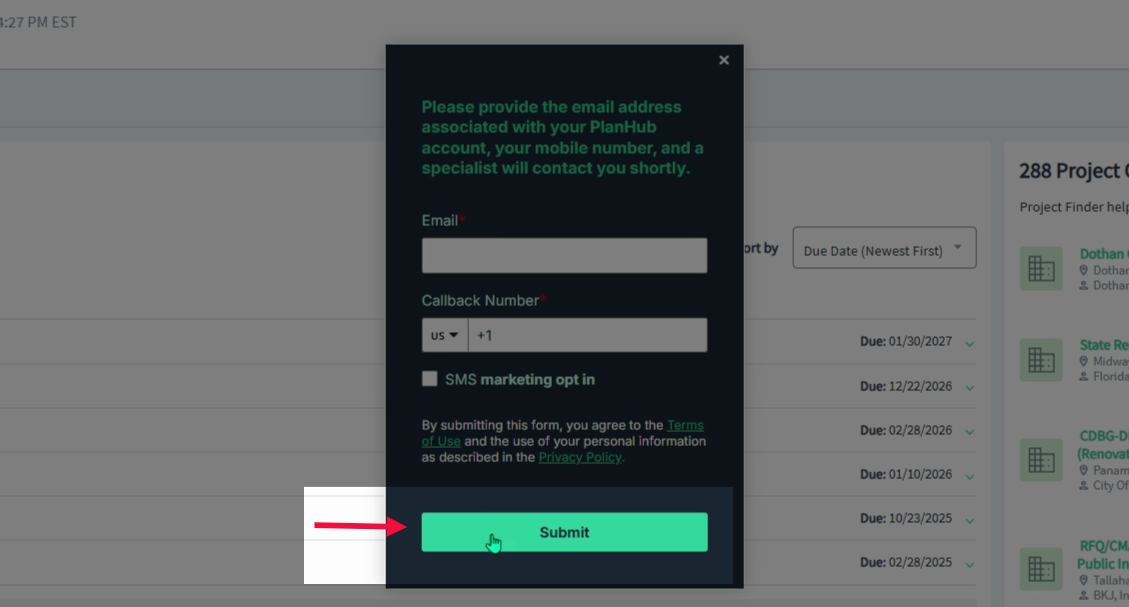
Step 7: Click Submit at the bottom of the pop-up window to complete your demo request.
Our team will reach out to schedule a convenient time and guide you through the platform, so you'll make the most out of your experience. Requesting a demo is a great way to get expert help and see platform features in action.
If you need further assistance, contact Customer Support.