![NEW_PlanHub_Logo_Navy.png]](https://knowledgebase.planhub.com/hs-fs/hubfs/Design/PH%20Logos/NEW%202024%20PH%20Logos/NEW_PlanHub_Logo_Navy.png?height=40&name=NEW_PlanHub_Logo_Navy.png)
How to request a copy of your planHub billing invoice
Want a copy of your planHub billing invoice? This guide walks you through the steps to request a billing invoice.
Step 1: Check the email inbox for the email used initially to sign up for your planHub account. Billing invoices are sent to the original admin email provided upon sign up.
Step 2: If the original admin email is not accessible or needs to be changed, reach out to the planHub Customer Support team for assistance.
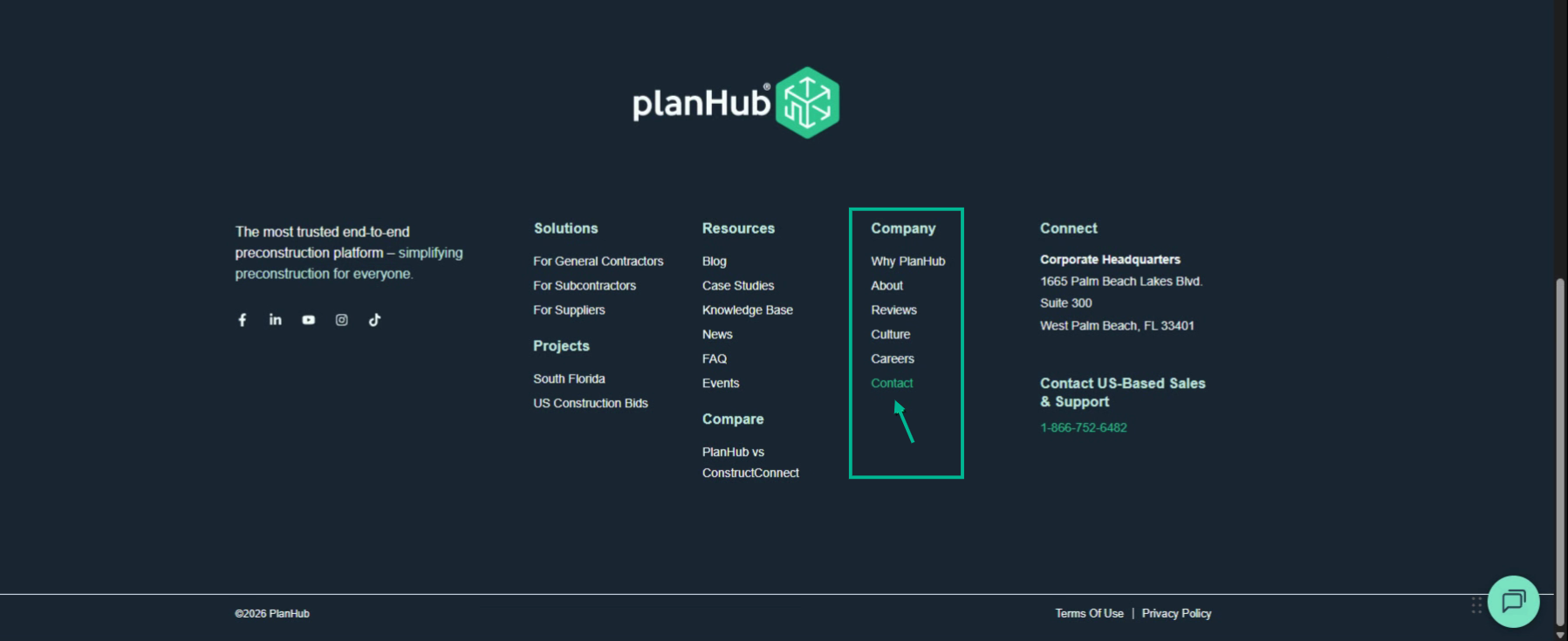
Step 3: Navigate to www.planhub.com. Scroll down to the bottom of the website and select Contact in the Company column.
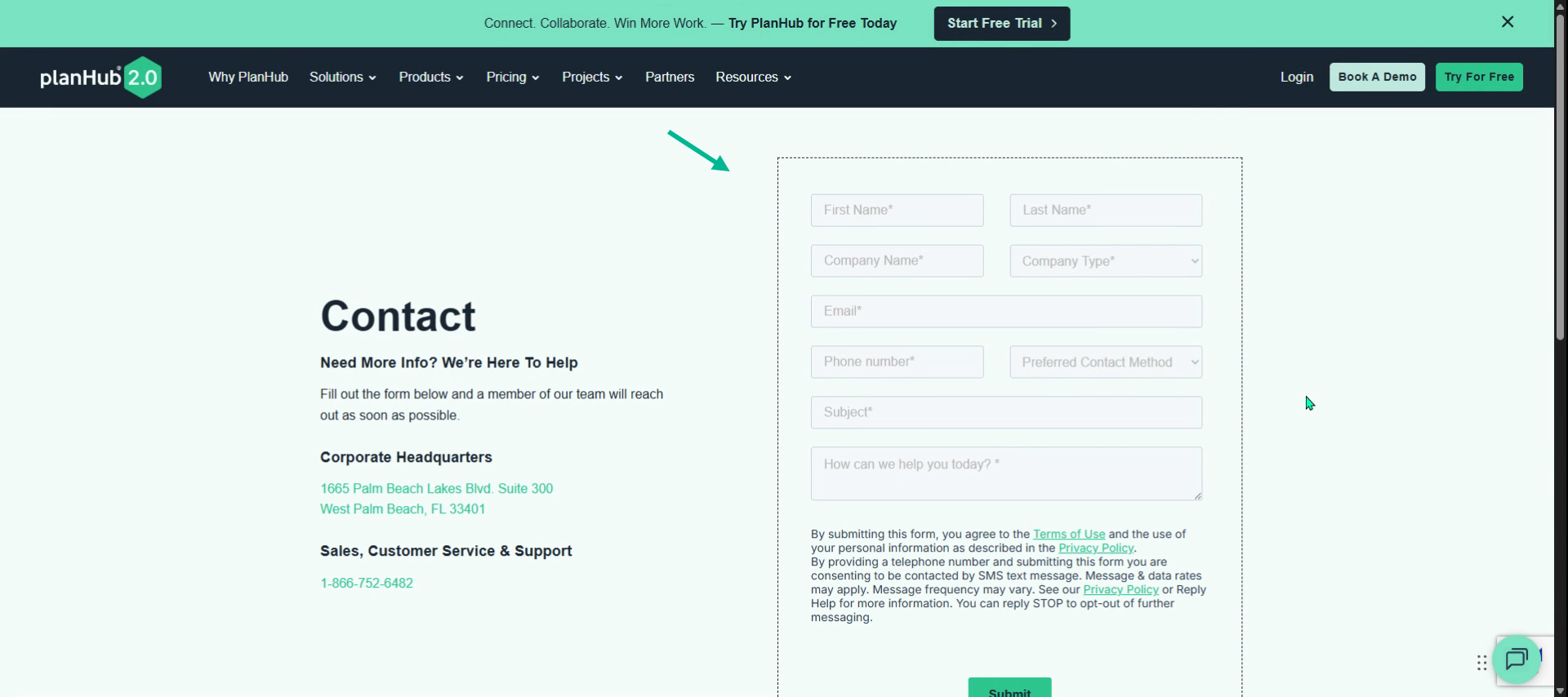
Step 4: On the Contact page, fill out the form with your details and request a copy of the invoice. Be sure to include the associated email address for the paid planHub subscription account.
Step 5: You can also contact customer support by phone to speak directly with the planHub customer support team. 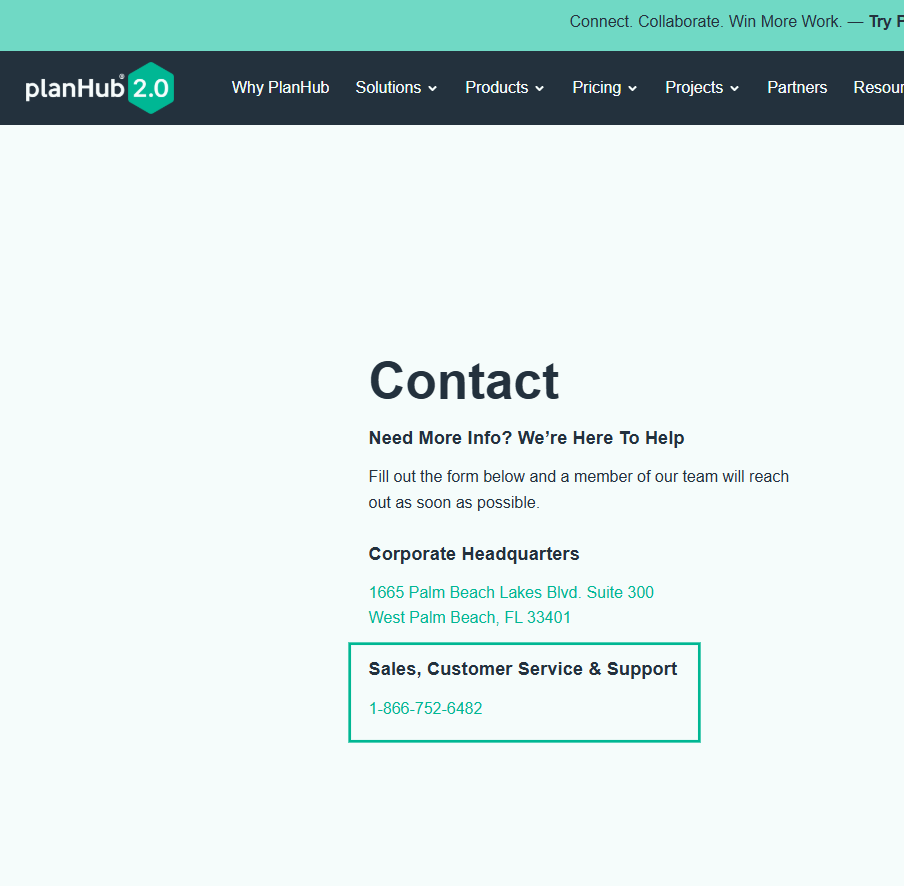
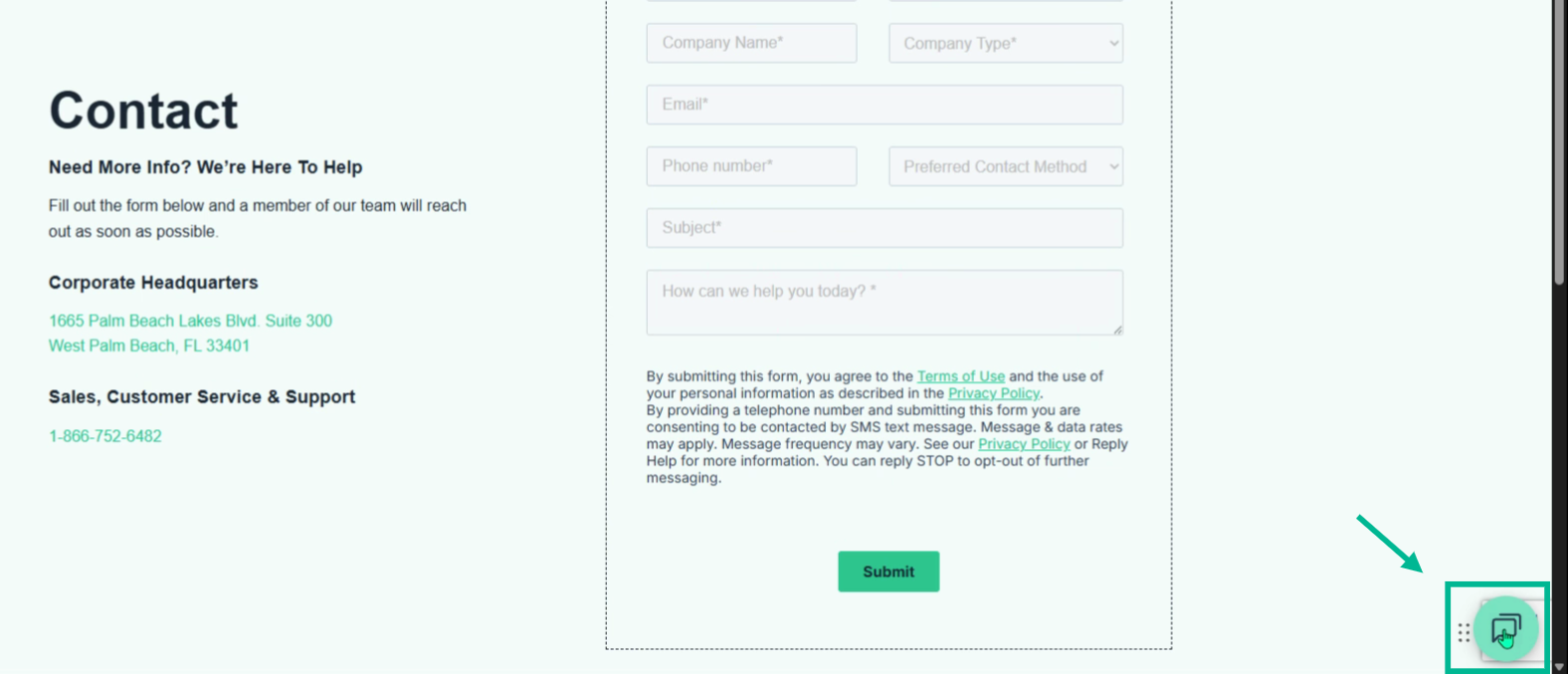
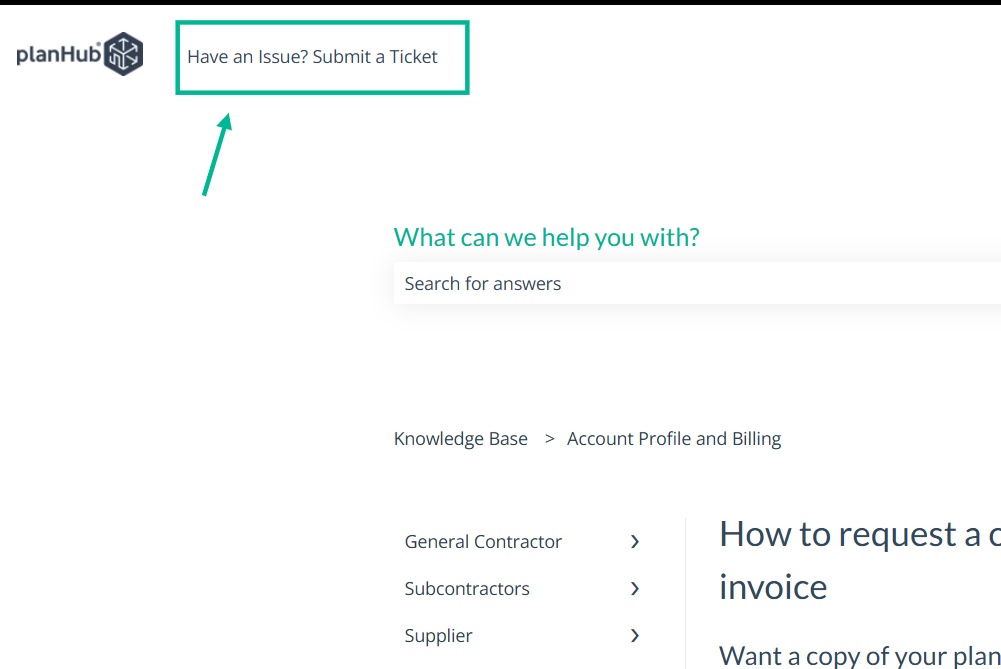
Step 6: Alternatively, click the message icon in the bottom right corner of the planHub website to open a Live chat. For more ways to contact our support team, view the Knowledge Base article titled: How to Contact PlanHub Customer Support. If you are contacting support outside of normal business hours, click on the article link above, then select "Have an Issue? Submit a Ticket" in the top left corner.
Step 7: If a member of planHub’s accounting team reaches out to you by email or phone, reply to their email or return their call to continue the conversation and request a copy of your billing invoice. Be sure to also let the Accounting team know if any changes are needed to your billing contact information.
Step 8: You can also reach out directly to your planHub Account Manager to request a copy of your billing invoice.
By understanding the available ways to request a billing invoice, you can quickly obtain the documentation you need and keep your account records accurate and up to date.
Troubleshooting
Contact us if you need assistance or to report an issue:
- PlanHub Contact Page: https://planhub.com/contact/
- Customer Facing Support Ticket Link: https://knowledgebase.planhub.com/knowledge/kb-tickets/new
- Schedule a Free 1-on-1 Takeoff Training: https://meetings.hubspot.com/zac-low/takeoff-and-estimation