![NEW_PlanHub_Logo_Navy.png]](https://knowledgebase.planhub.com/hs-fs/hubfs/Design/PH%20Logos/NEW%202024%20PH%20Logos/NEW_PlanHub_Logo_Navy.png?height=40&name=NEW_PlanHub_Logo_Navy.png)
Step 1: Navigate to the main panel at the top of the page and locate the Directory.
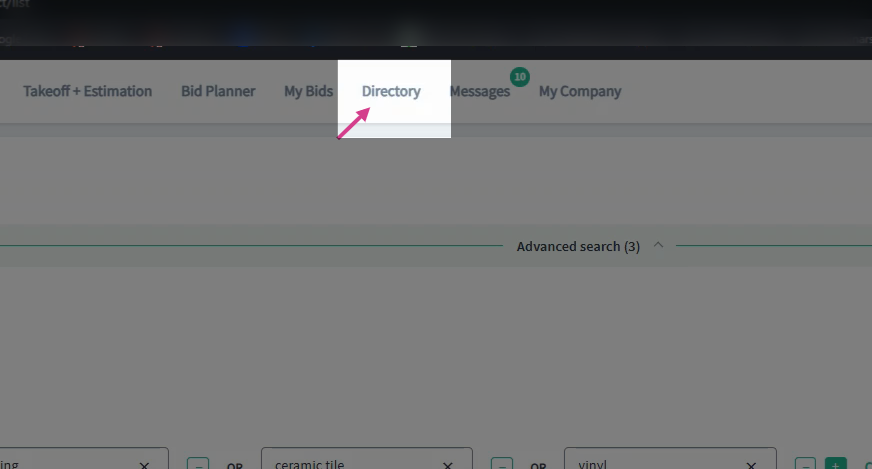
Step 2: Click on the Directory to access the network of subcontractors and general contractors.
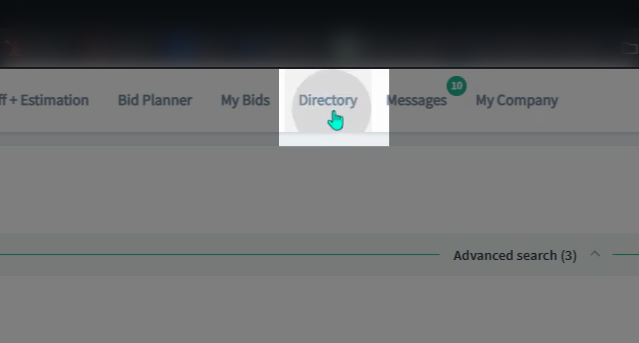
Step 3: Confirm that your subscription includes the level of access you need. Please note that the Basic Plan provides limited access to certain features and information within the platform.
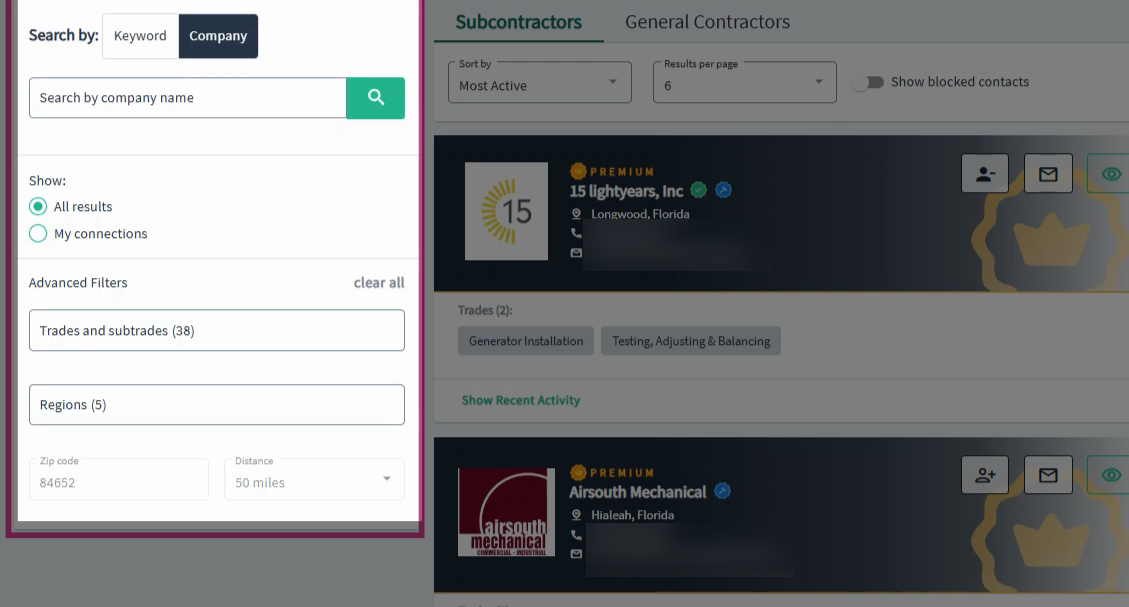
Step 4: Locate the search tools on the left side.
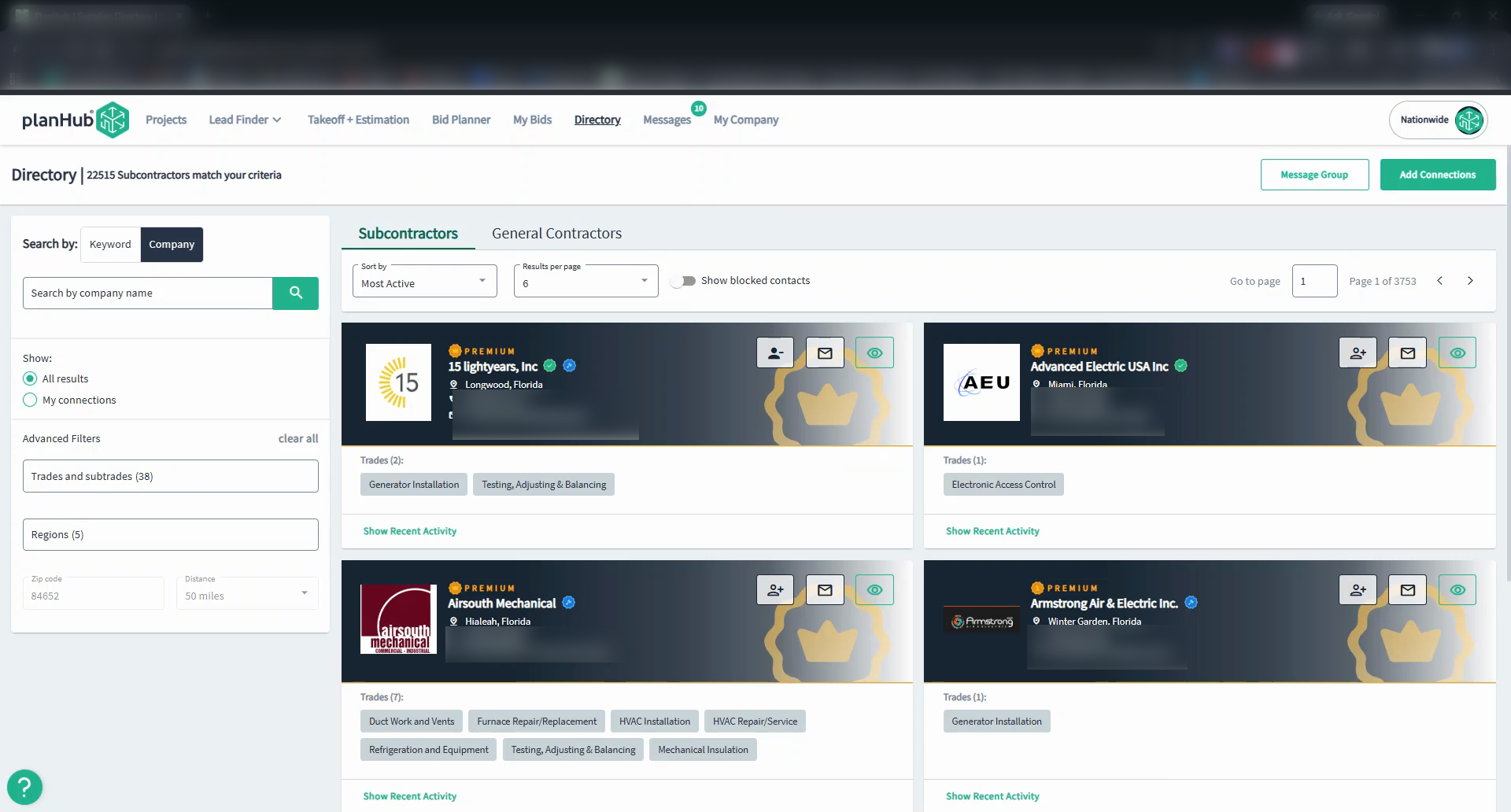
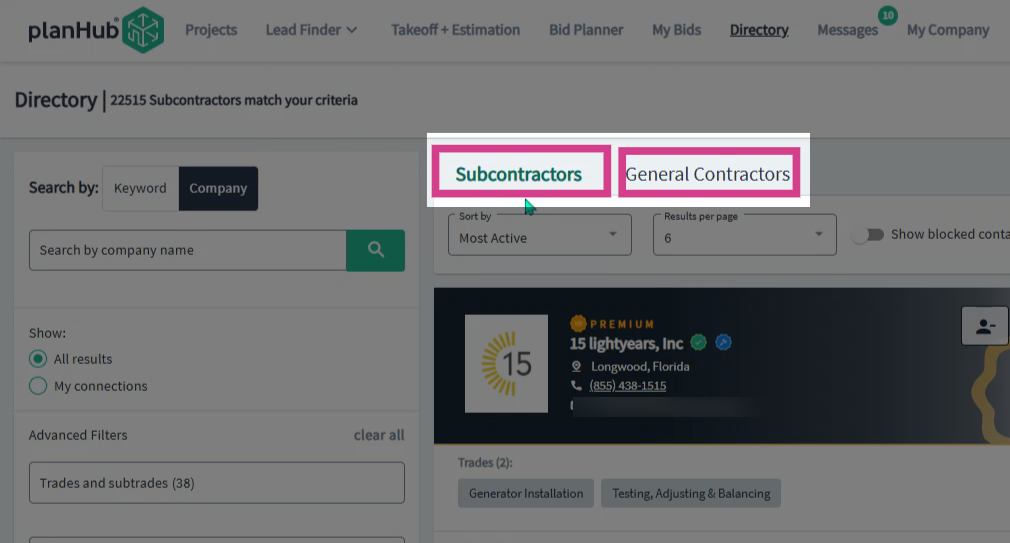
Step 5: Target your search by selecting the desired user type—choose either the Subcontractors or General Contractors tab.
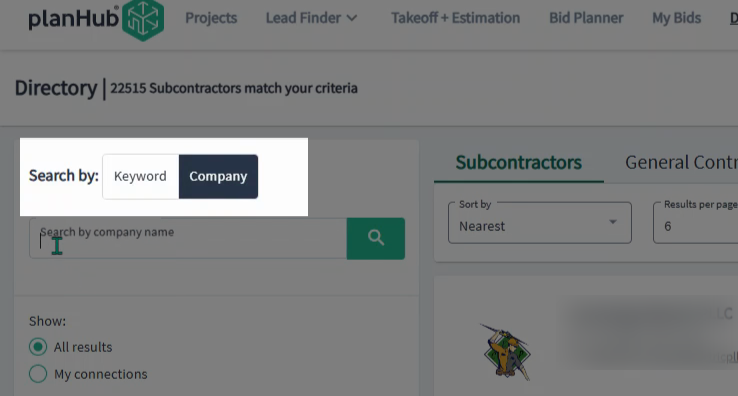
Step 6: In the search panel, use the search options to search by Keyword or Company name.
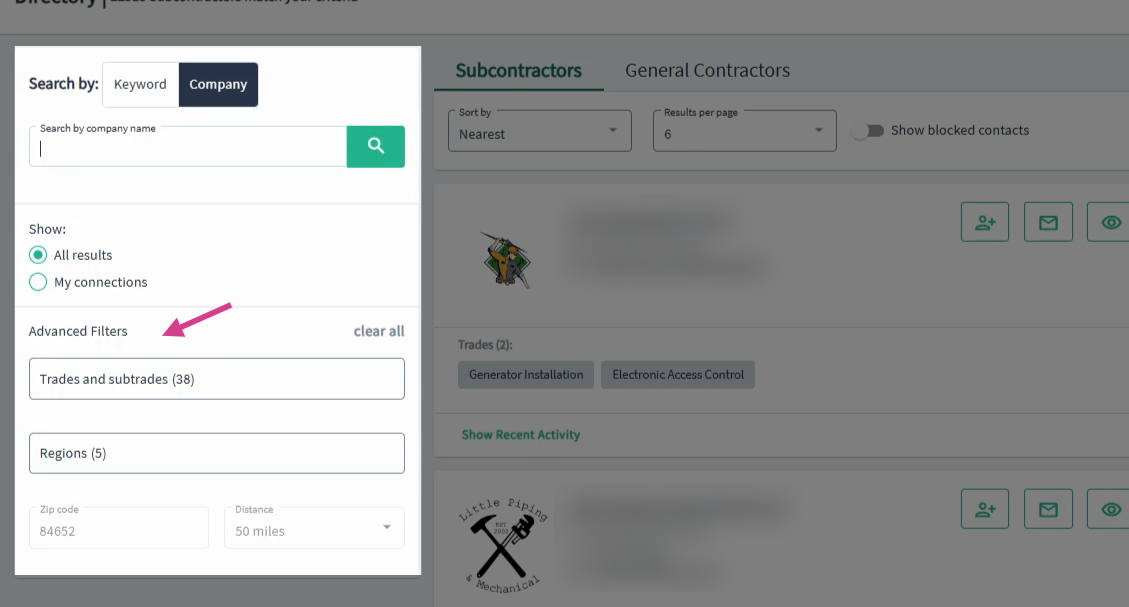
Step 7: Refine your results using advanced filters. Filter by your connections, trades, sub trades, location (state, ZIP code, distance), and more.
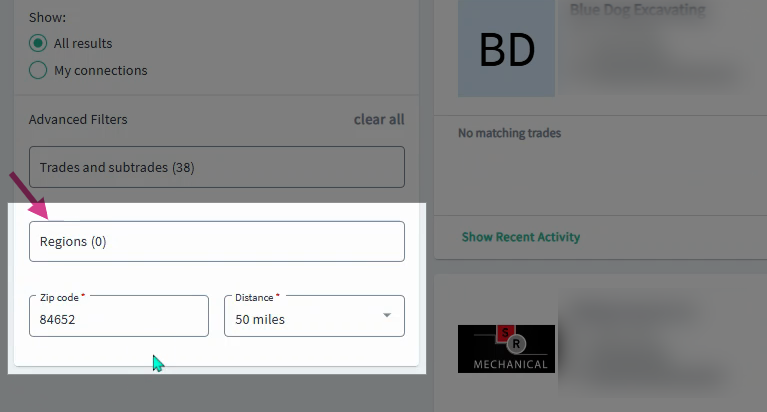
Step 8: If regions are selected, the ZIP code and Distance options will be grayed out. Deselect regions to enable these filters.
Step 9: Select the trades and subtrades relevant to your search. Scroll through the list or type the name to find a match. Check all desired trades.
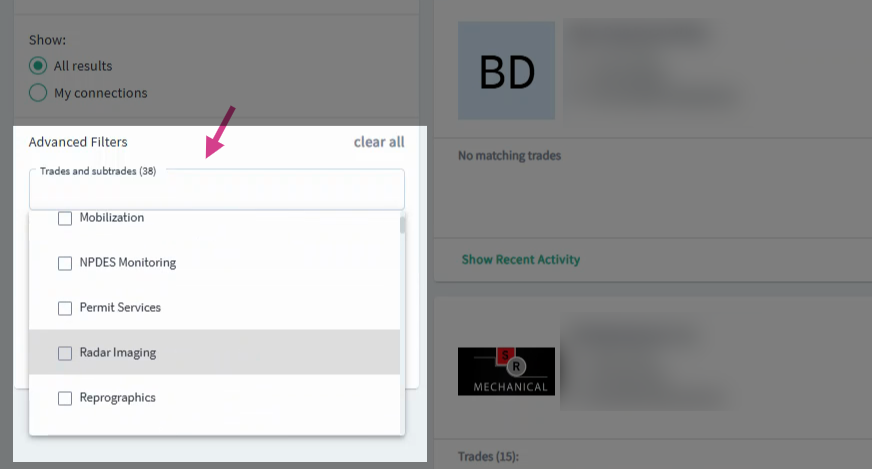
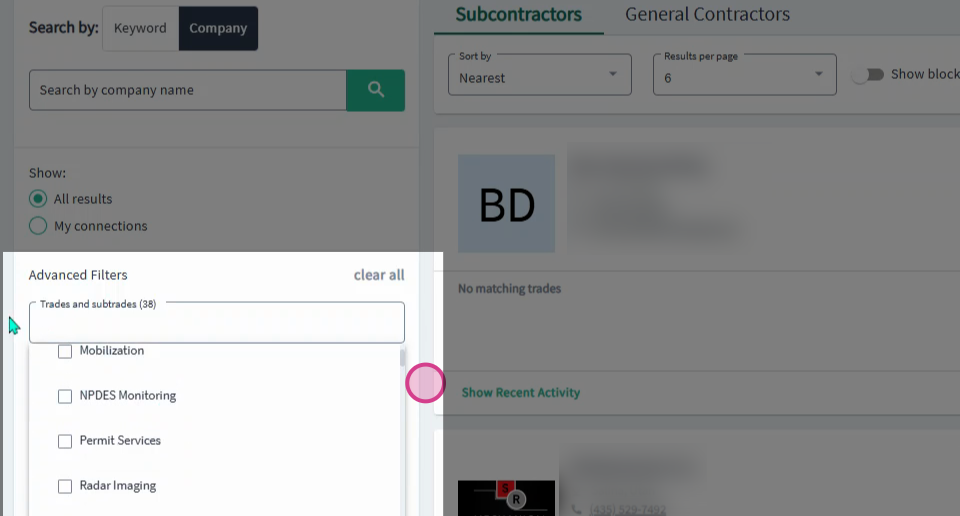
Step 10: Click outside the filter area to apply and update your list.
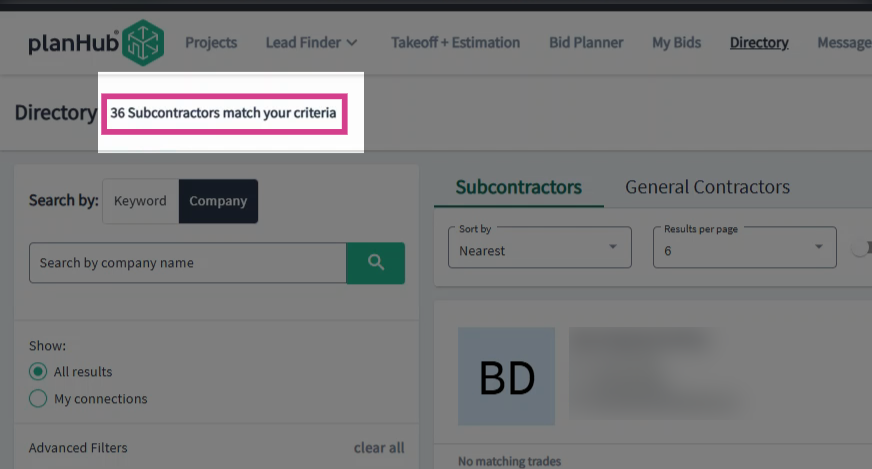
Step 11: View how many subcontractors or contractors match your criteria in the upper left corner.
Step 12: Adjust the sorting order by using the Sort By dropdown menu.
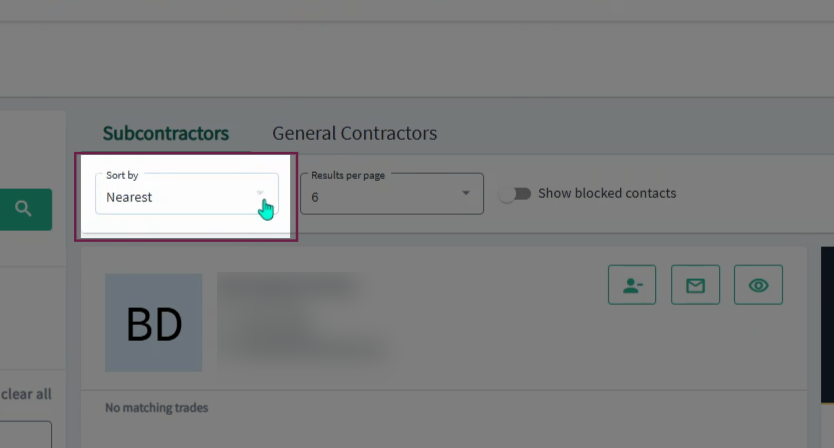
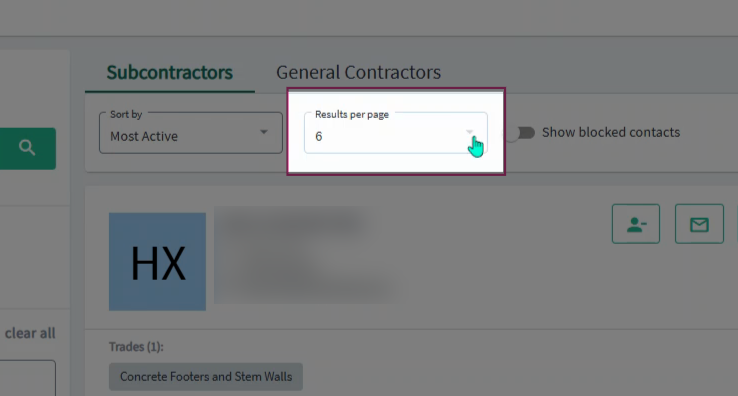
Step 13: Change the number of results per page (up to 50) using the Results Per Page dropdown.
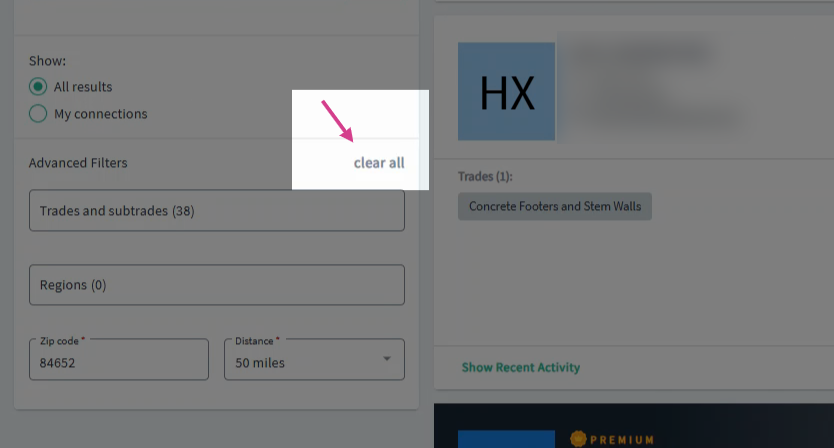
Step 14: If you want to reset and start a new search, select the clear all option in the advanced search filters section.
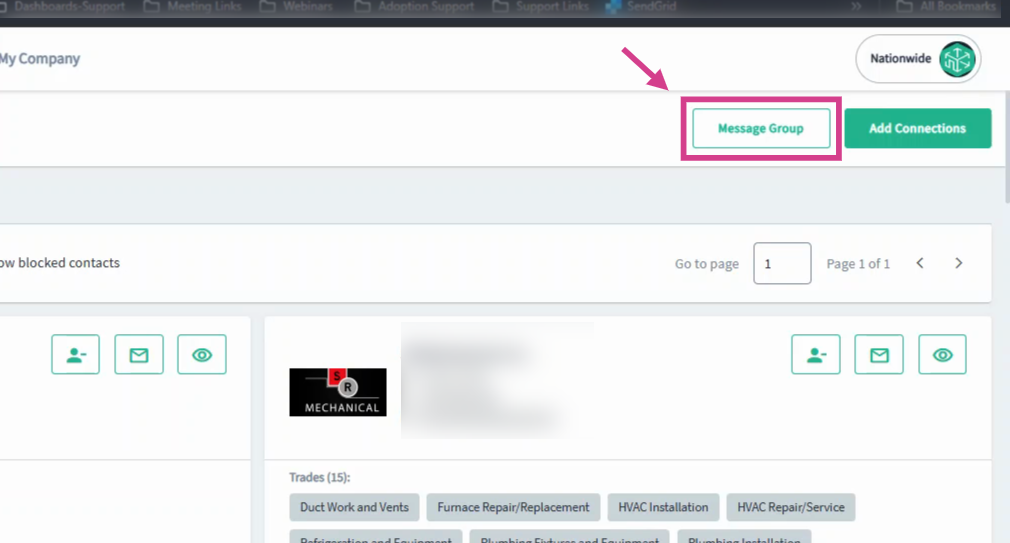
Step 15: Select the Message Group button in the upper right corner to message the group.
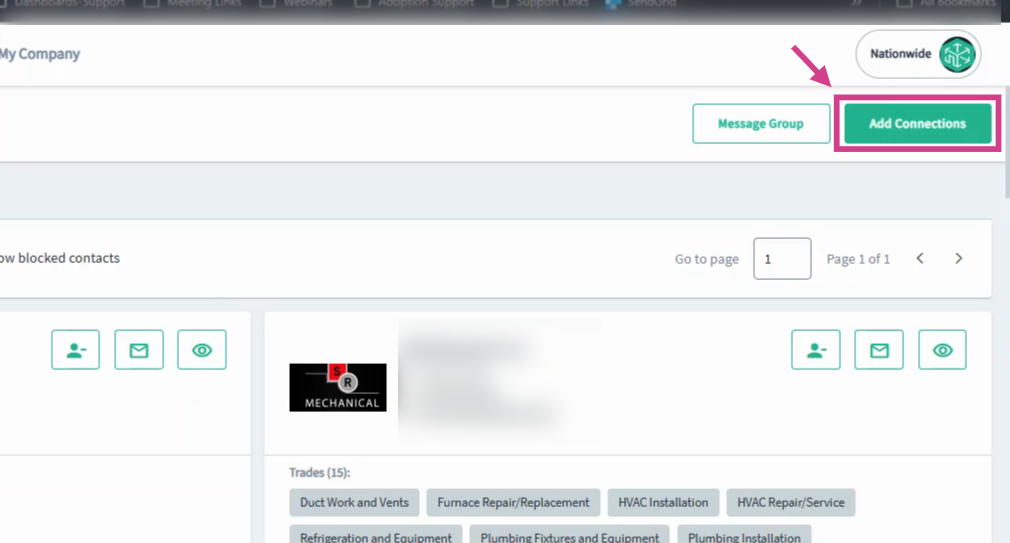
Step 16: To grow your network, click Add Connections in the upper right corner to invite your own contacts to PlanHub.
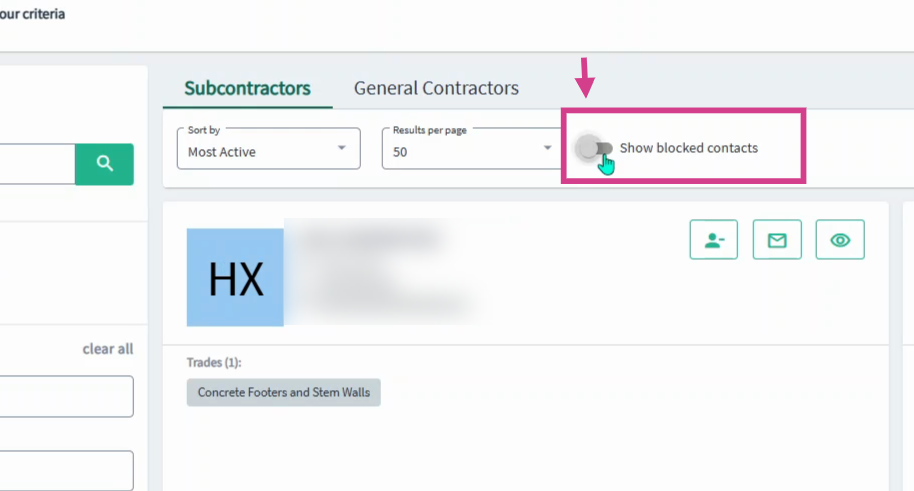
Step 17: To review any previously blocked contacts that meet your filter criteria, toggle on the Show Blocked Contacts option. To learn more about the Company Cards, view our Company Cards in the Directory for Suppliers article.
PlanHub’s Directory and search tools allow you to efficiently find, sort, and connect with subcontractors and general contractors that match your business needs. By utilizing the advanced filter features, you can refine your results and make the most of your search experience.
Troubleshooting
Contact us if you need assistance or to report an issue:
- PlanHub Contact Page: https://planhub.com/contact/
- Customer Facing Support Ticket Link: https://knowledgebase.planhub.com/knowledge/kb-tickets/new
- Customer Success Team: CustomerSuccess@planhub.com